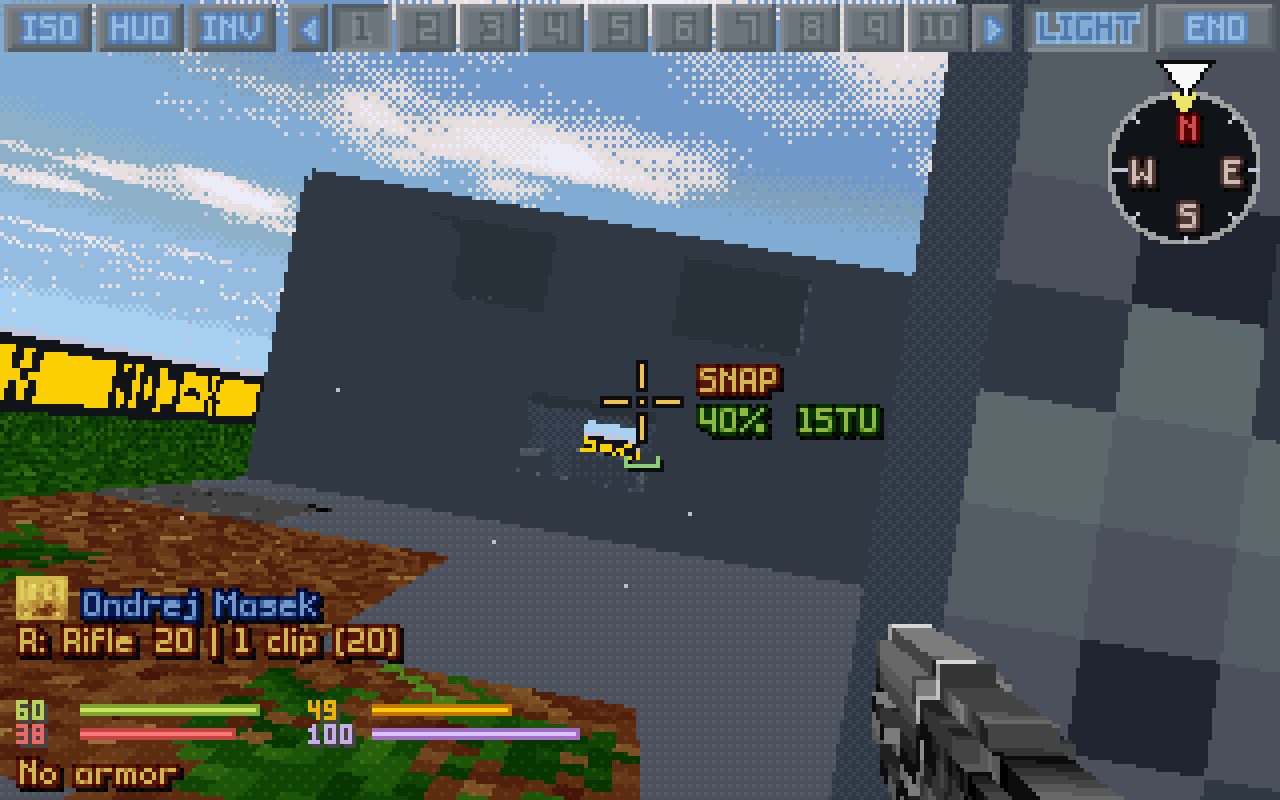
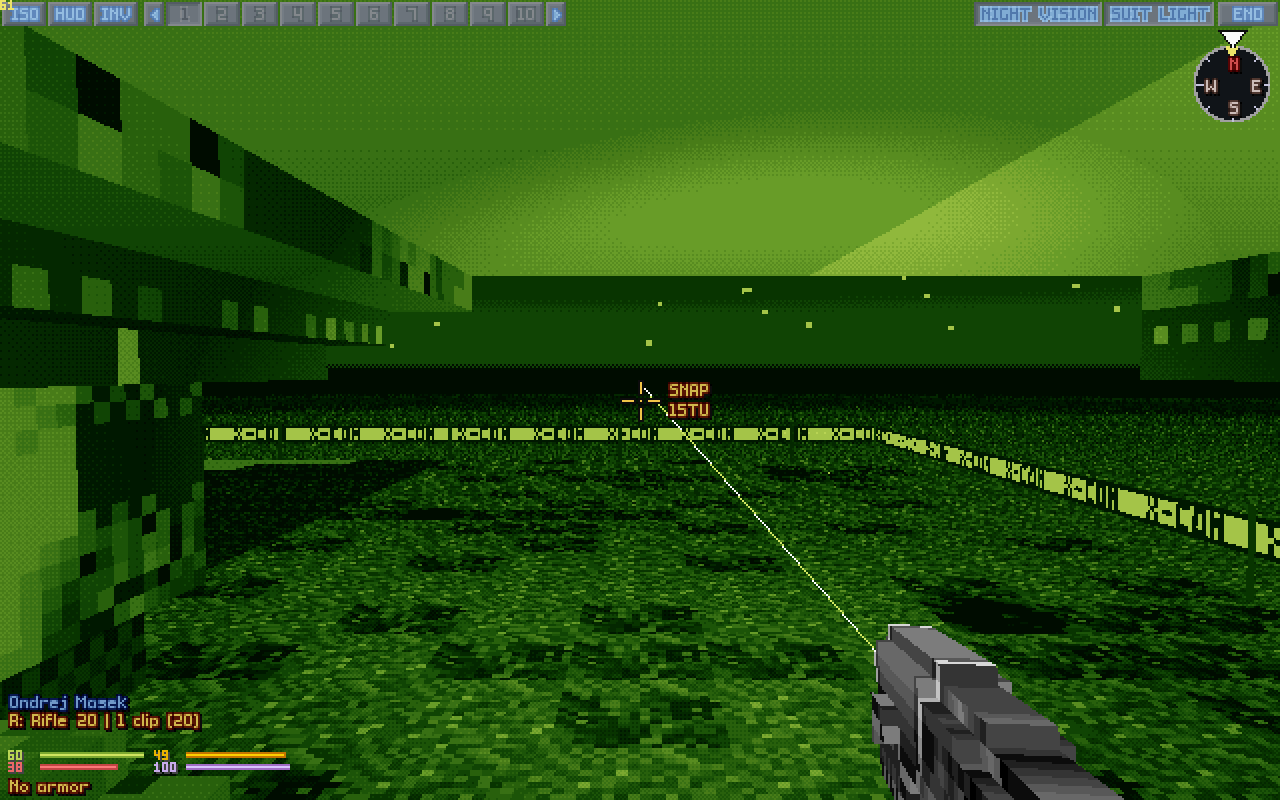
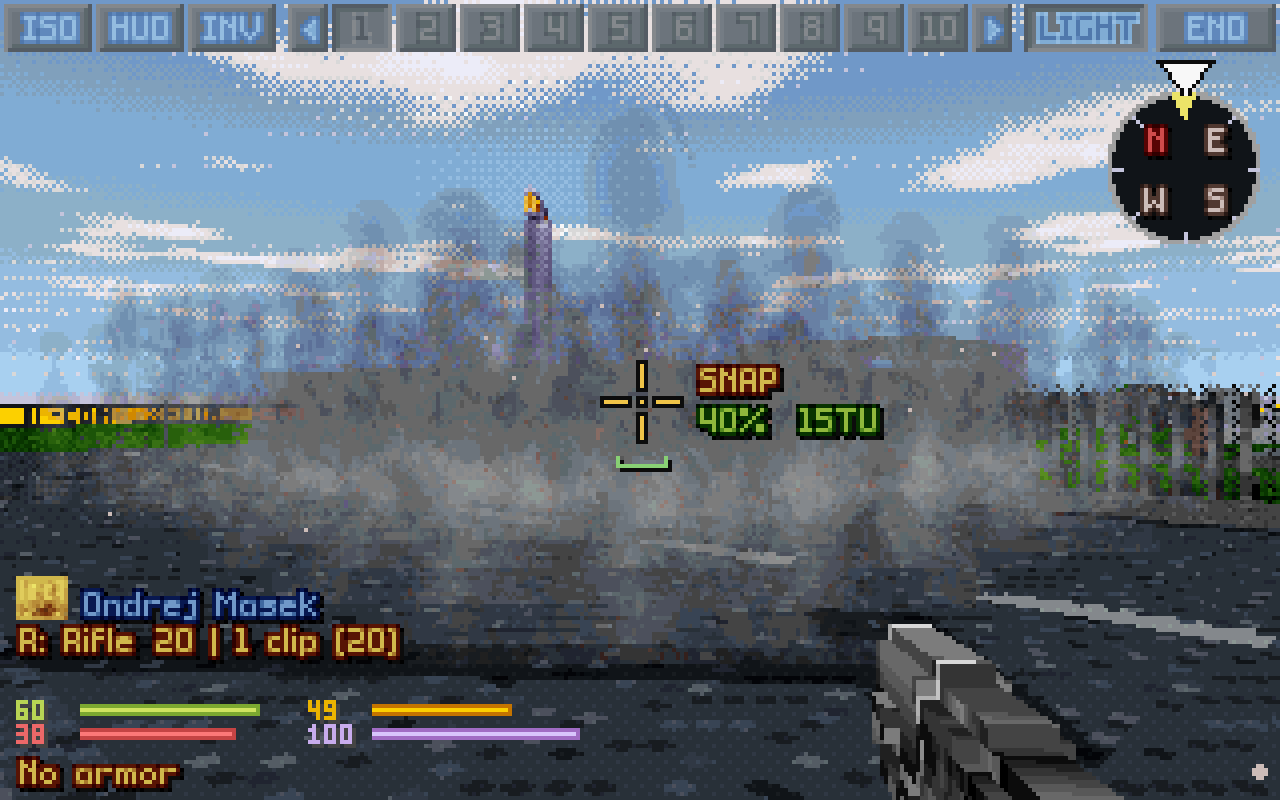
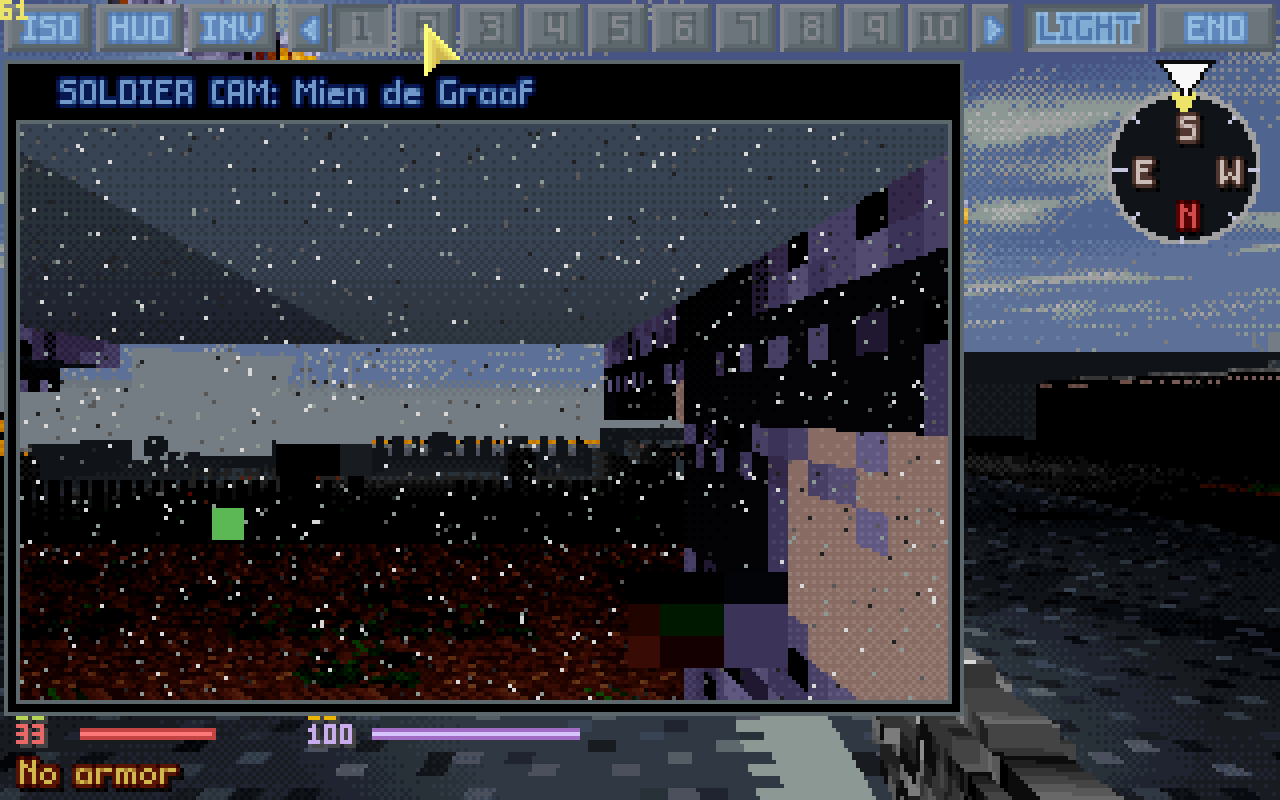
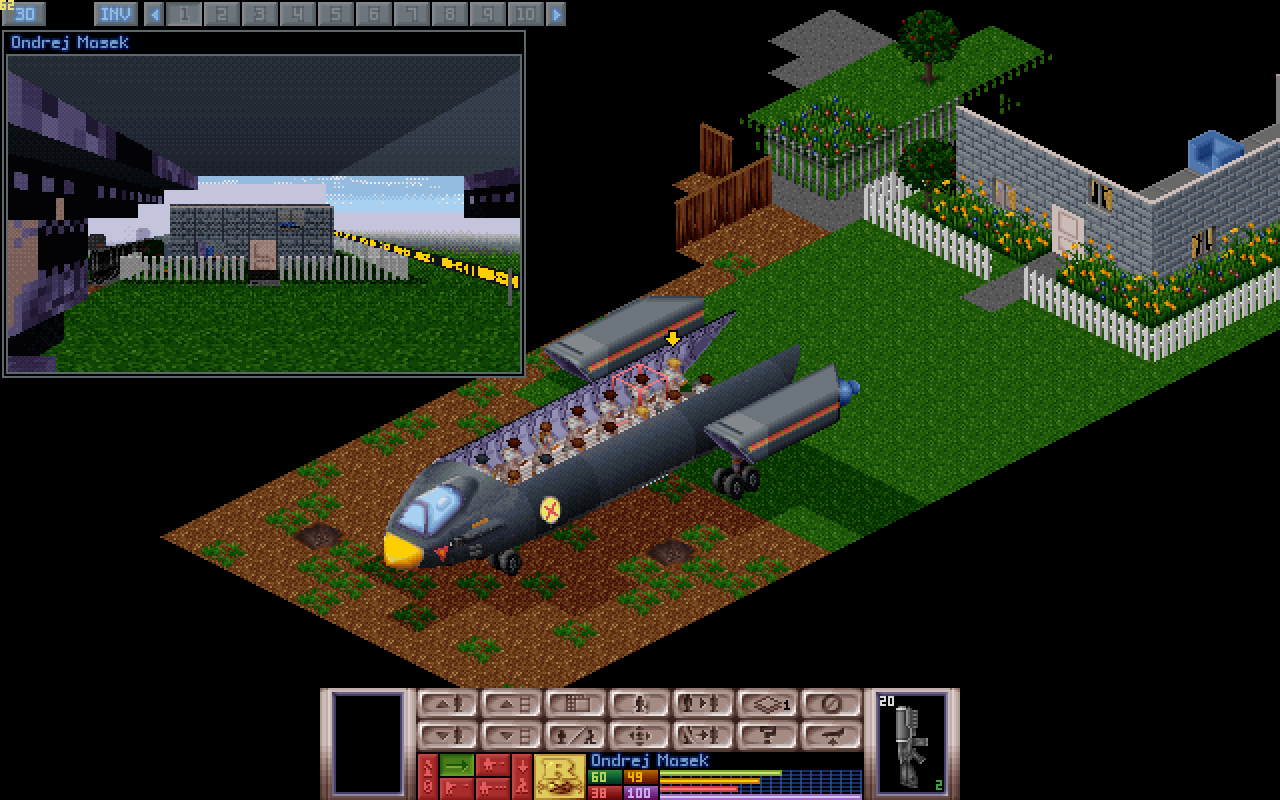
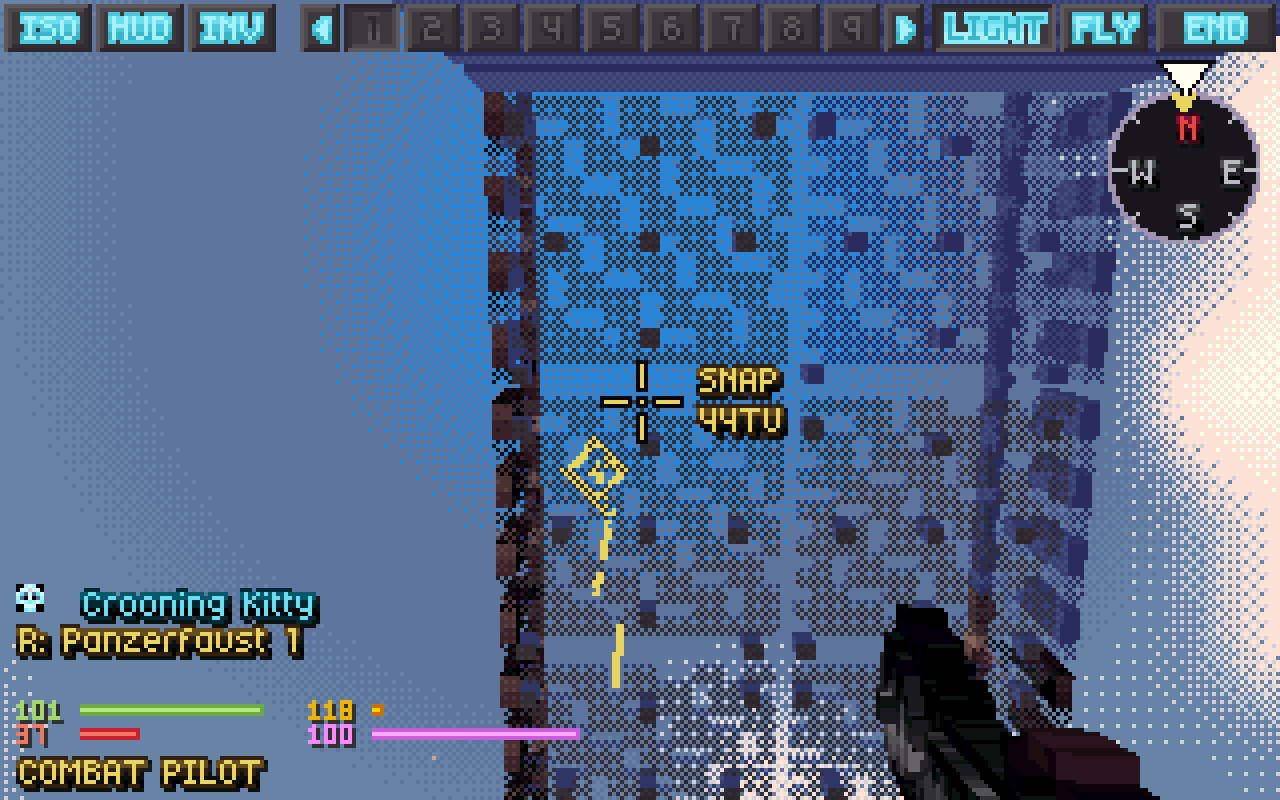
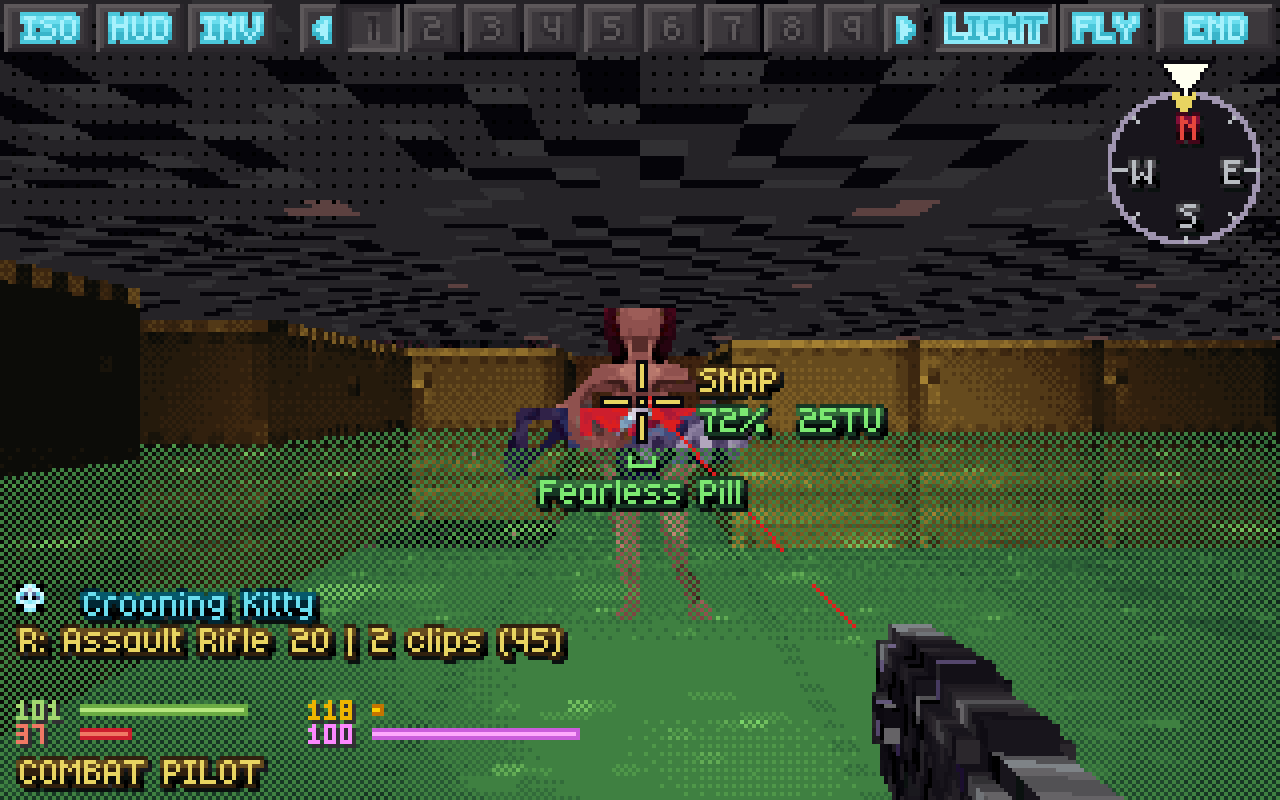
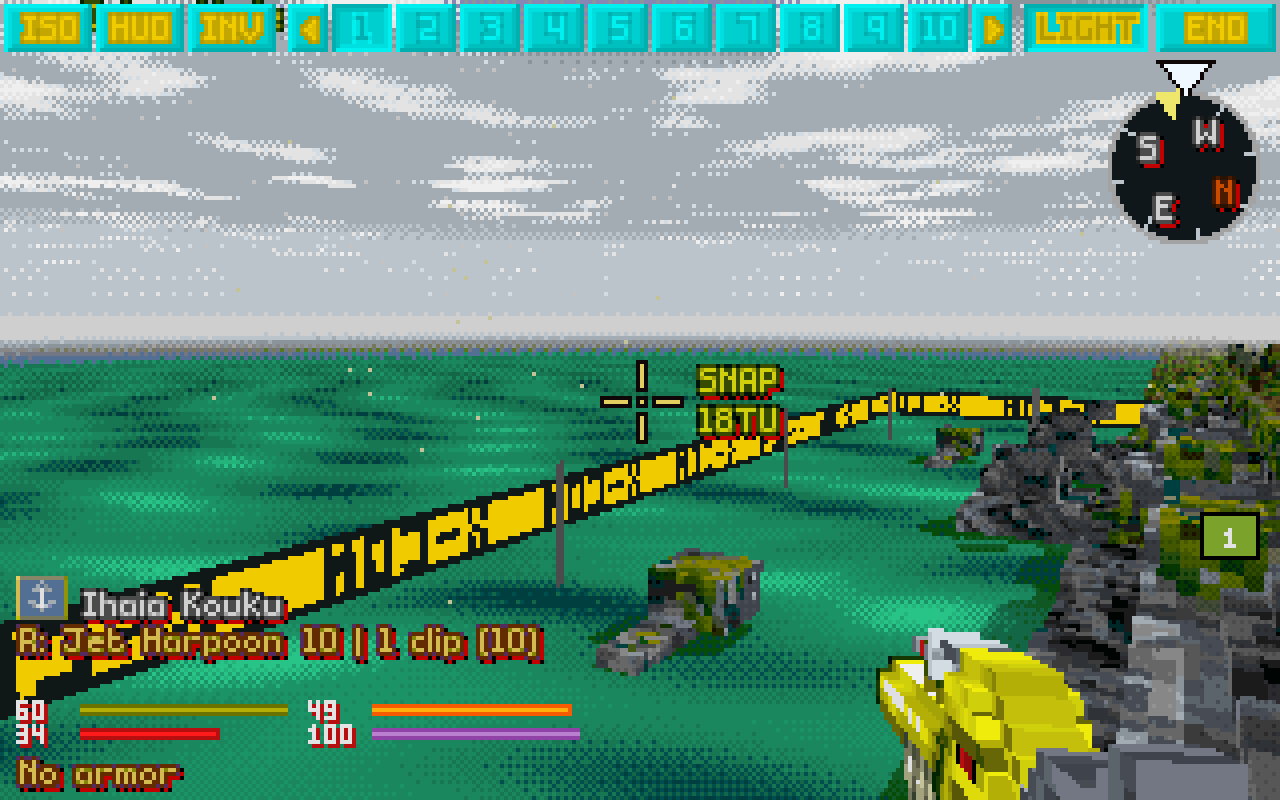
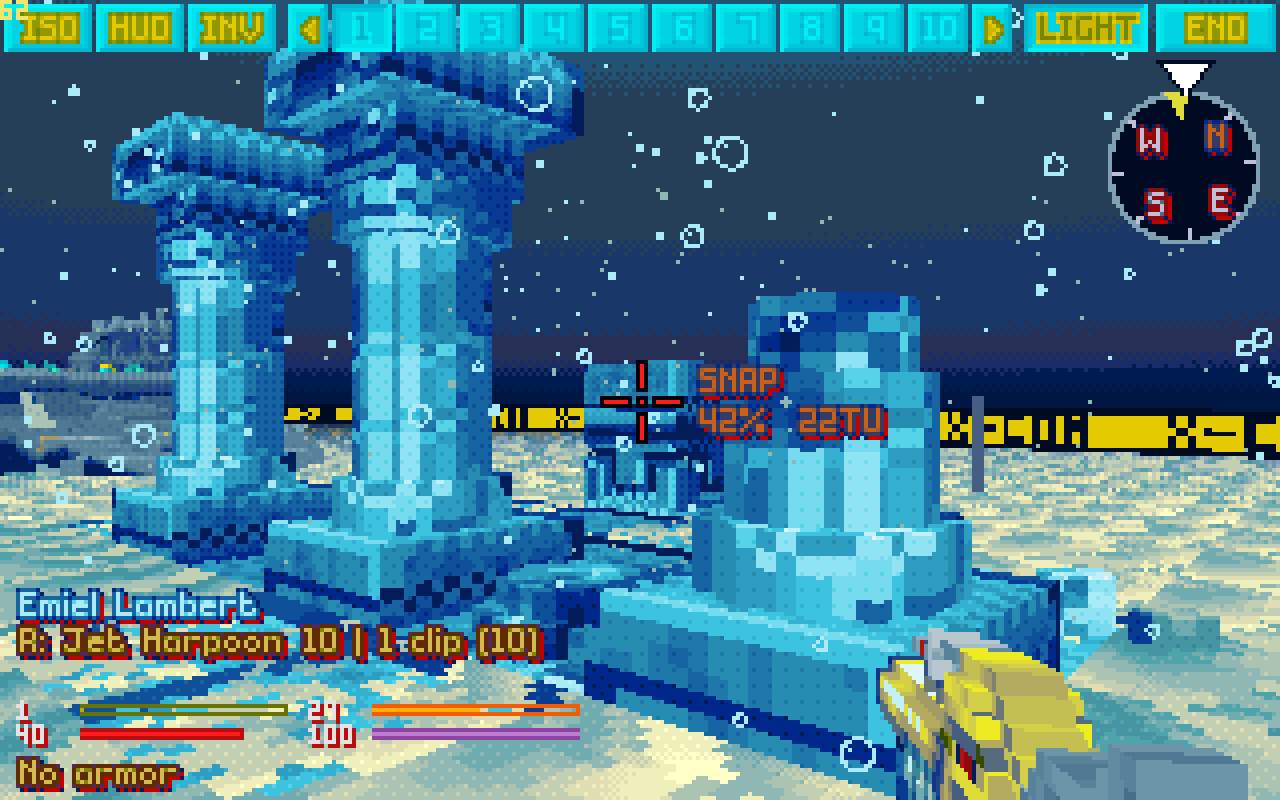
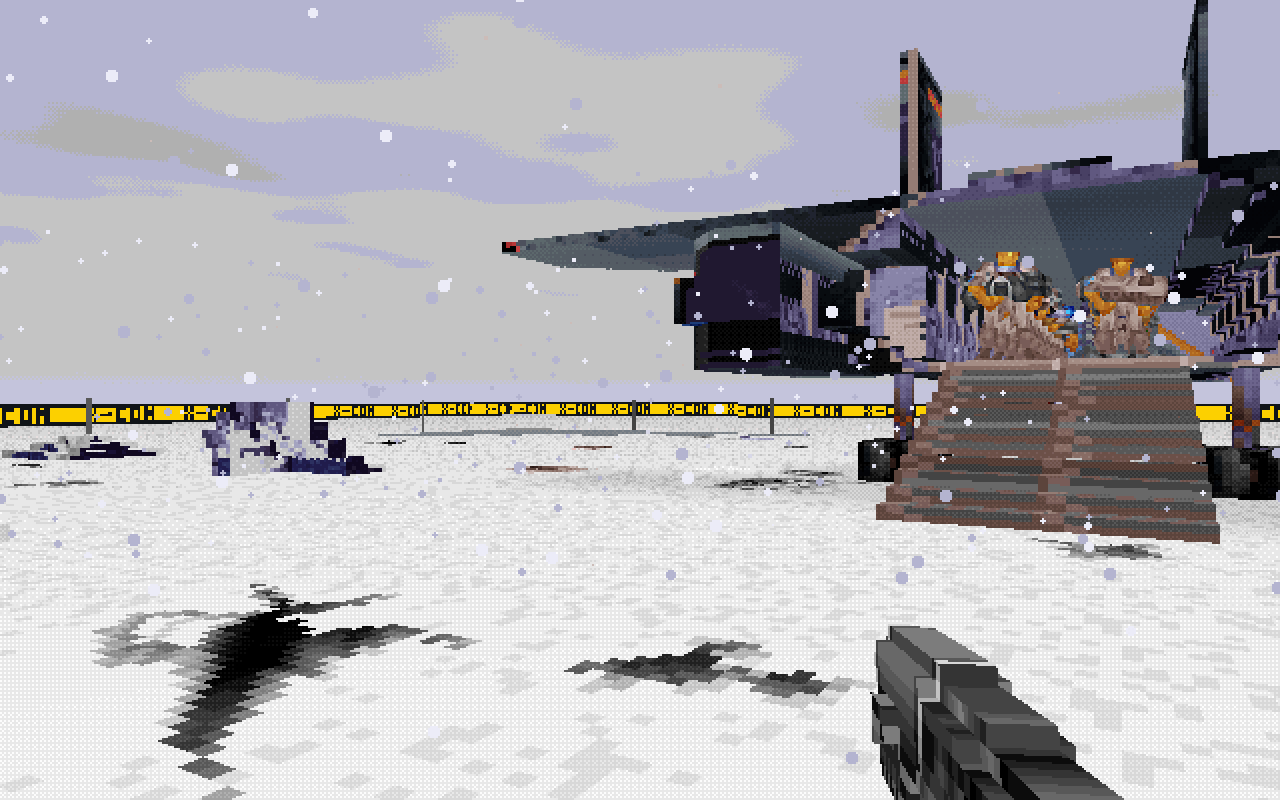
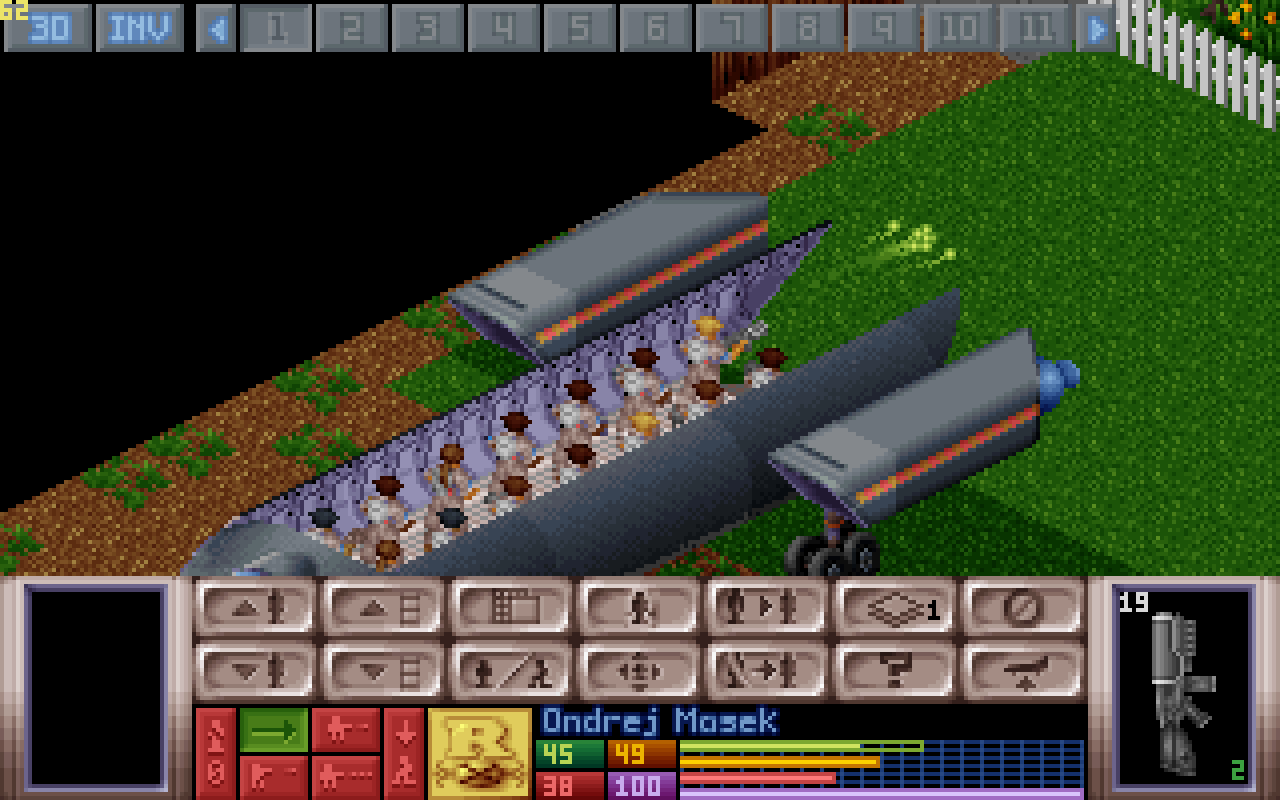
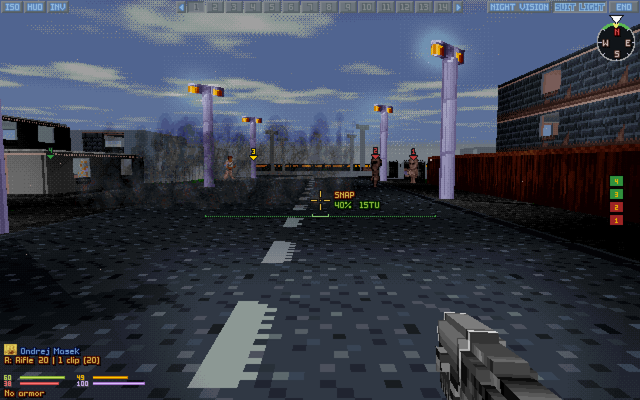
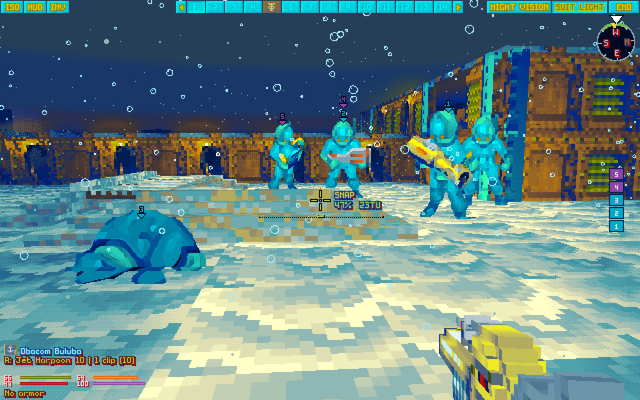
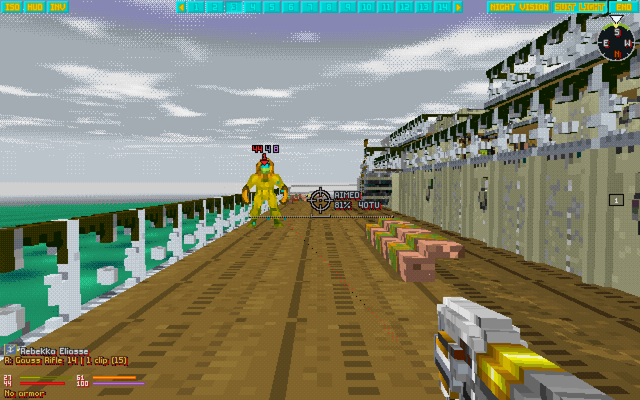
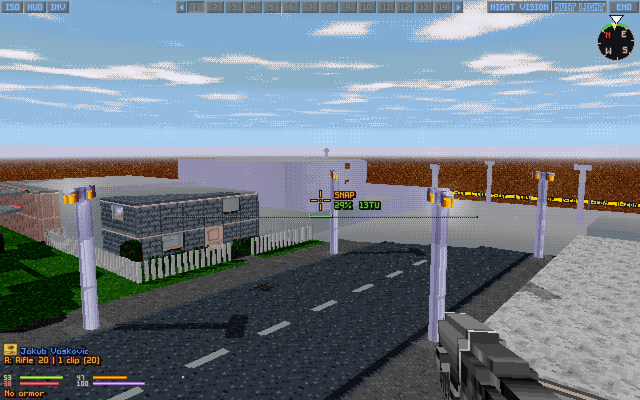
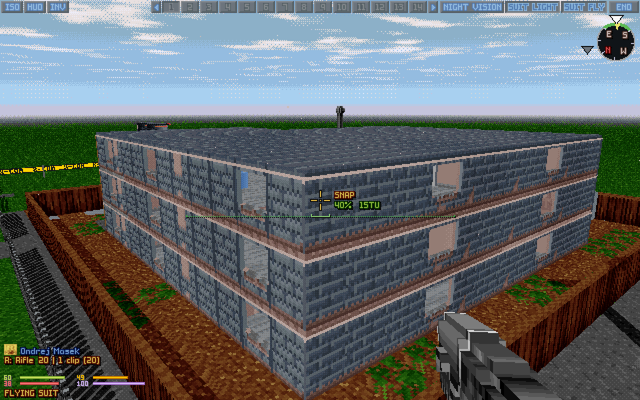
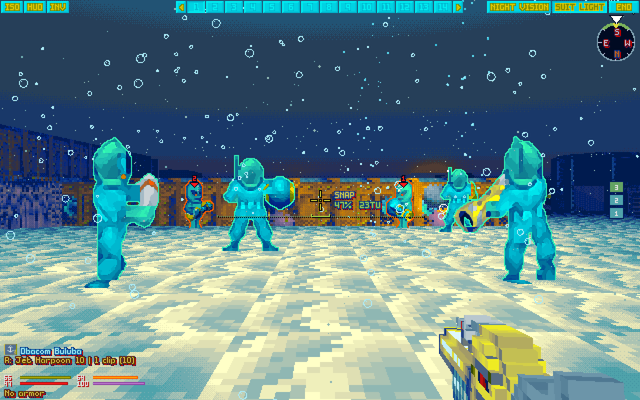
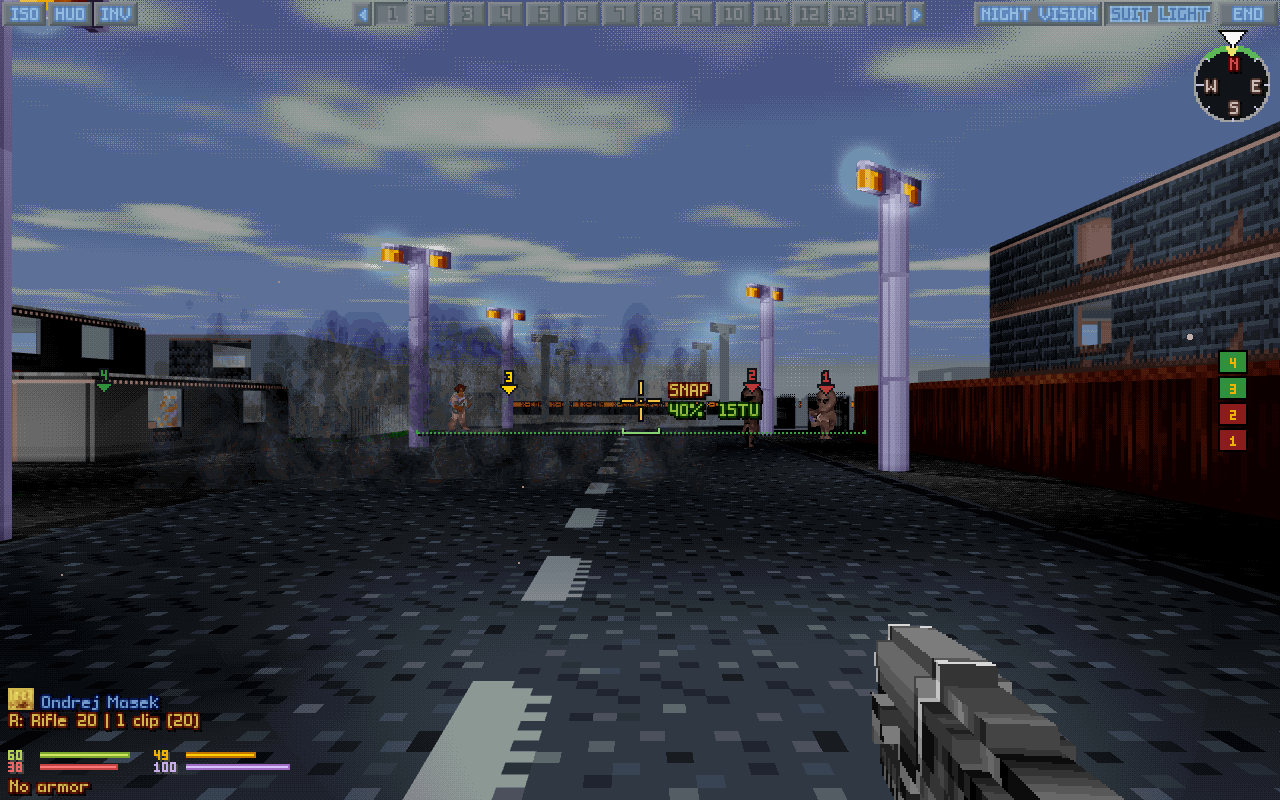
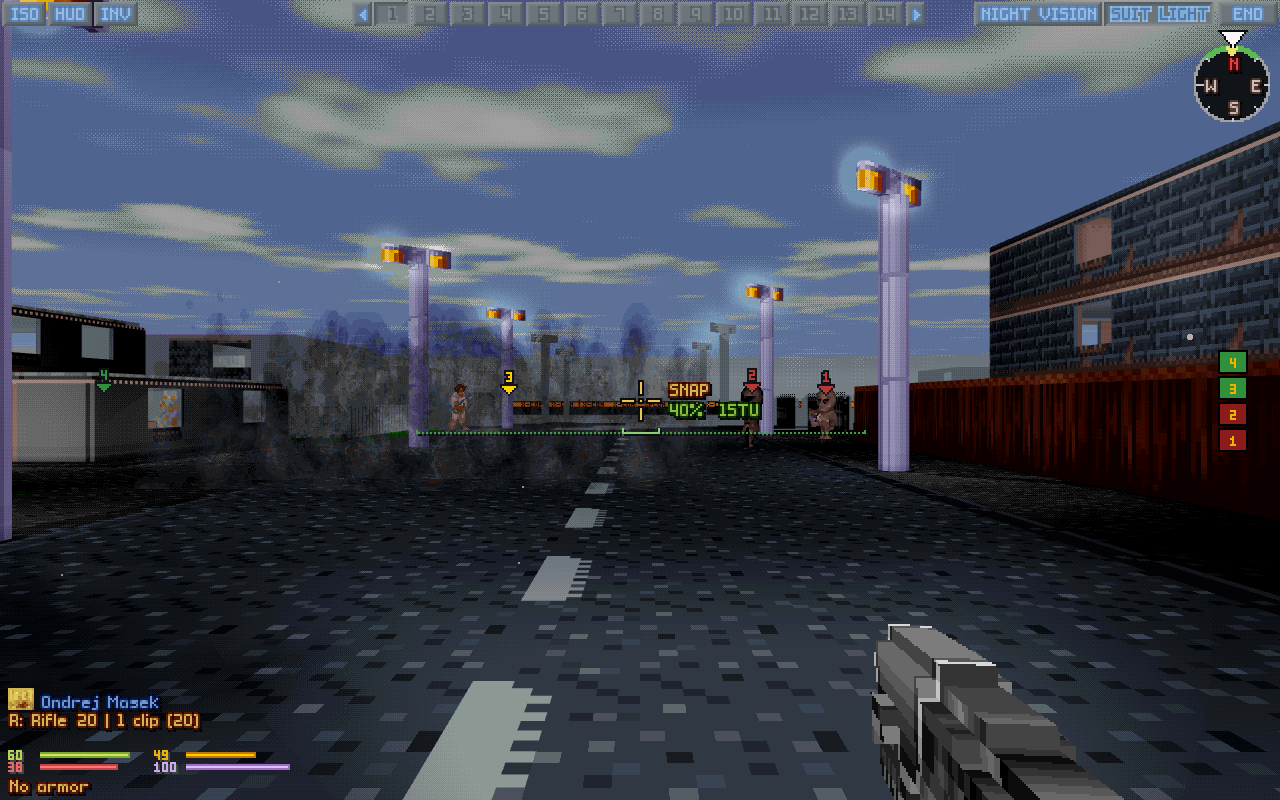
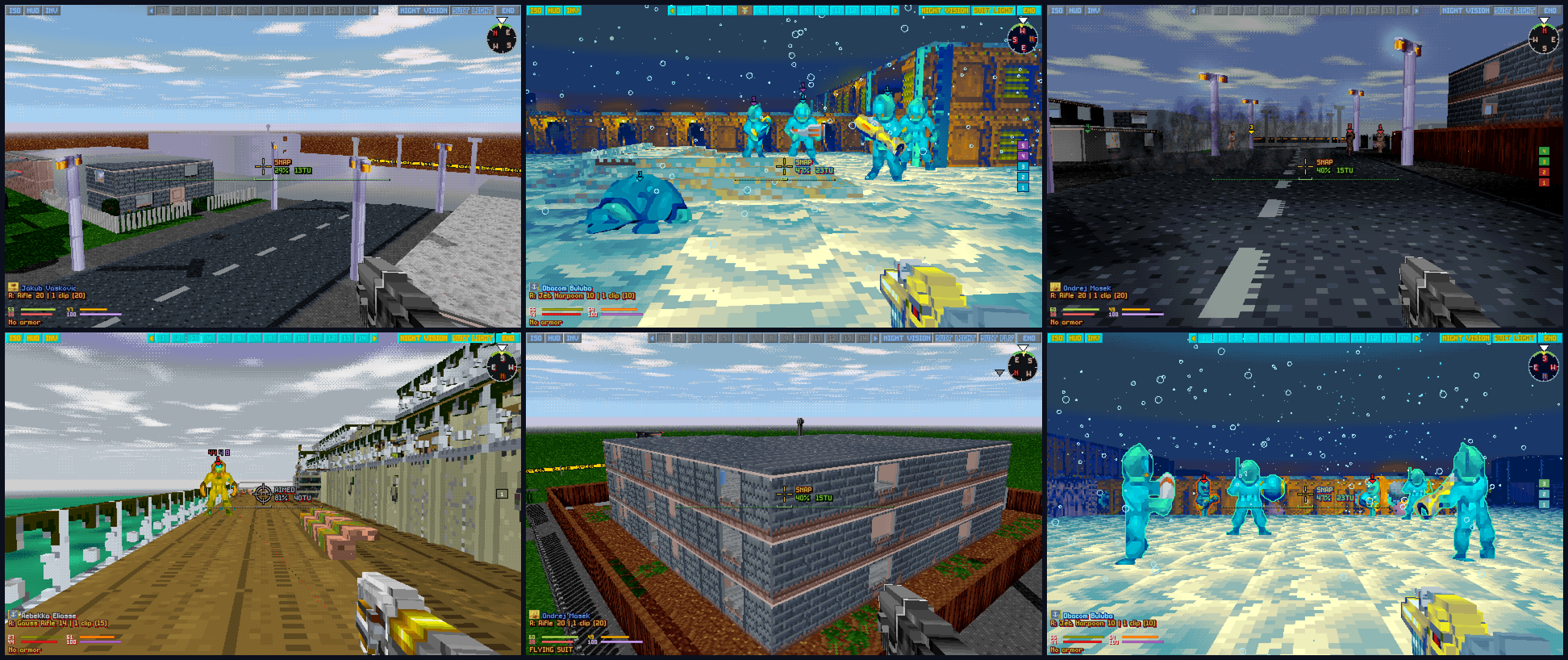
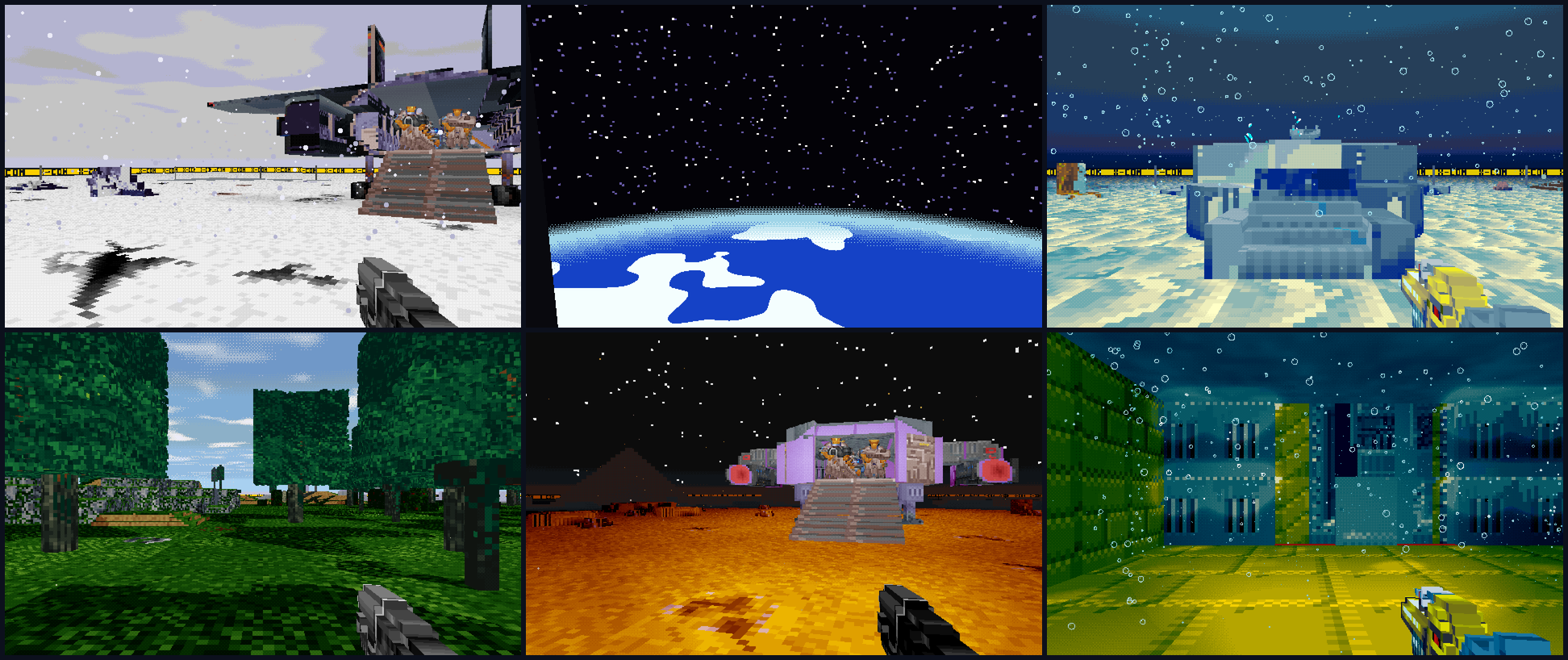
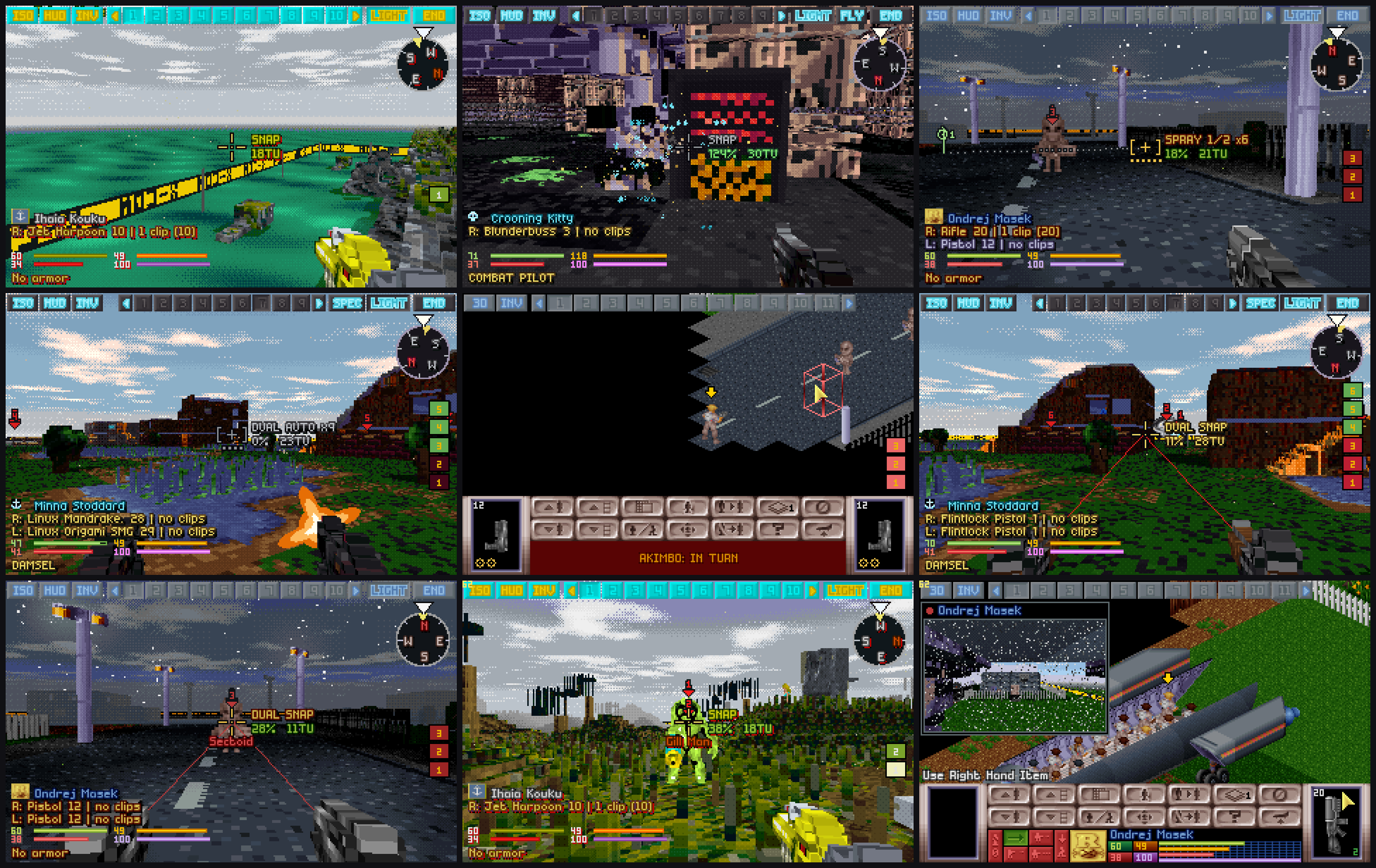
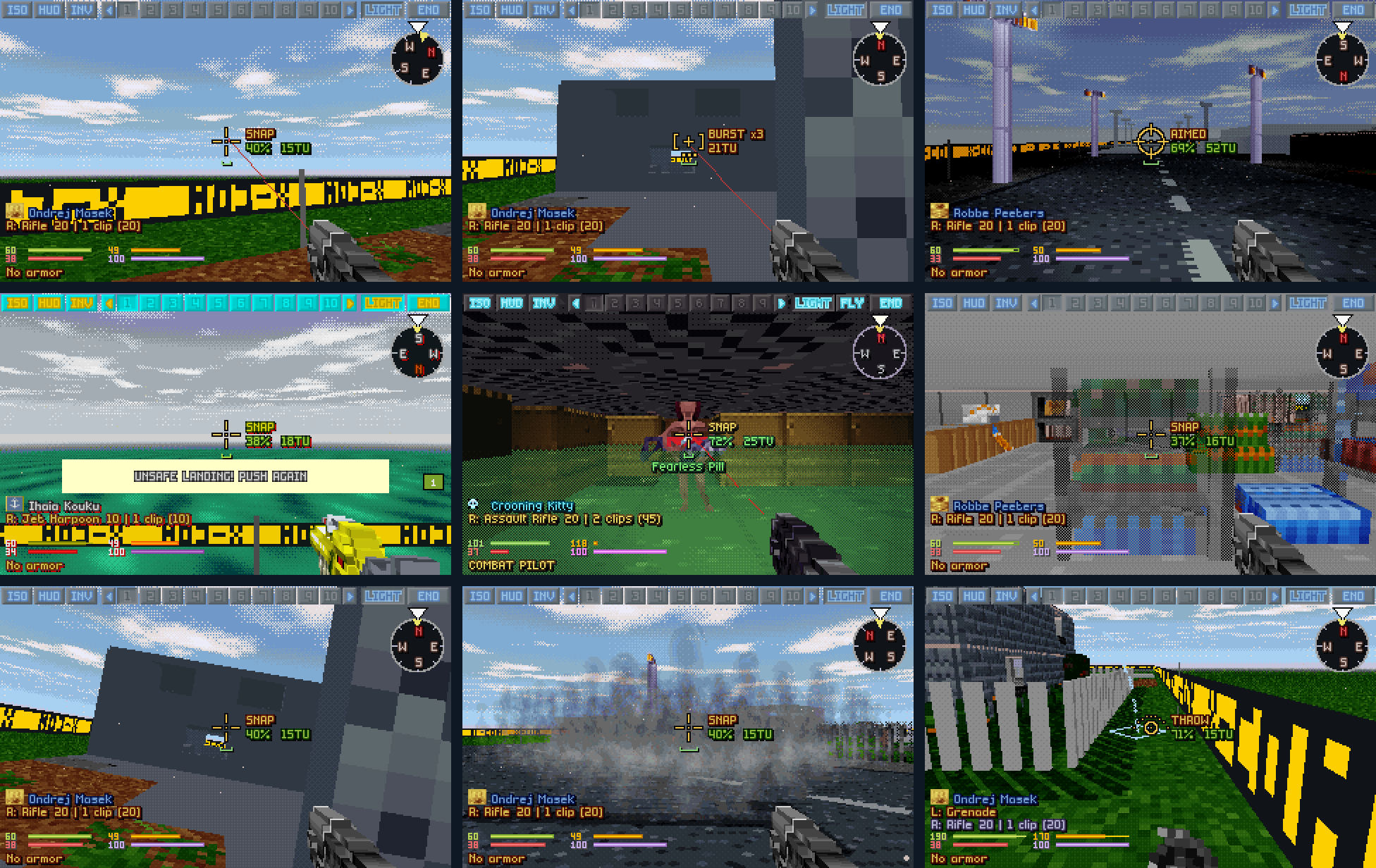
OpenXcom3D is OpenXcom Extended with a first-person 3D battlescape. The ready builds need no compiling and nothing installed: download one, give it your copy of the original game, and press F8 in a battle. This page walks you through it for each system, then has everything for playing: every key, every setting and how it plays, what's on the screen and every feature in pictures.
Rather build it yourself? The build guide does that, step by step.
> Press F8 to enter the battlescape
About 5 minutes
About 12 MB to download
Your own copy of UFO or TFTD
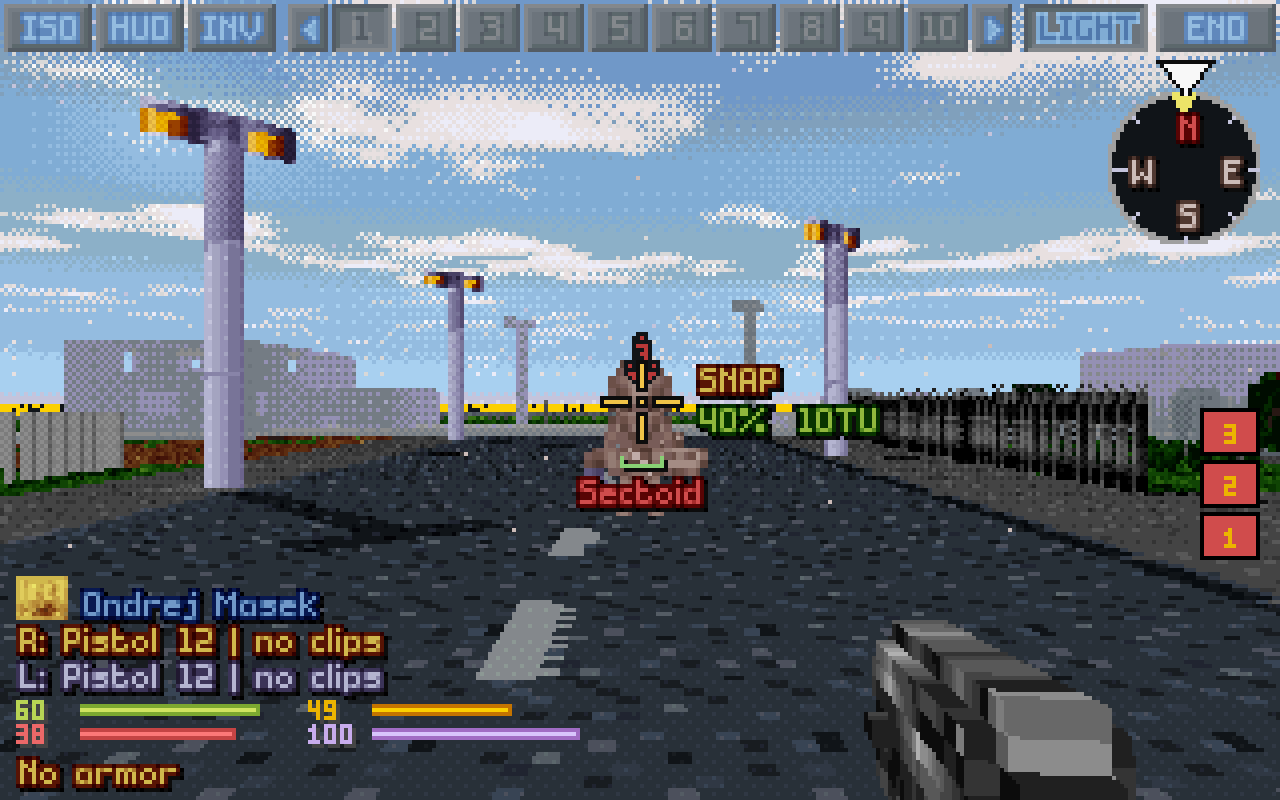
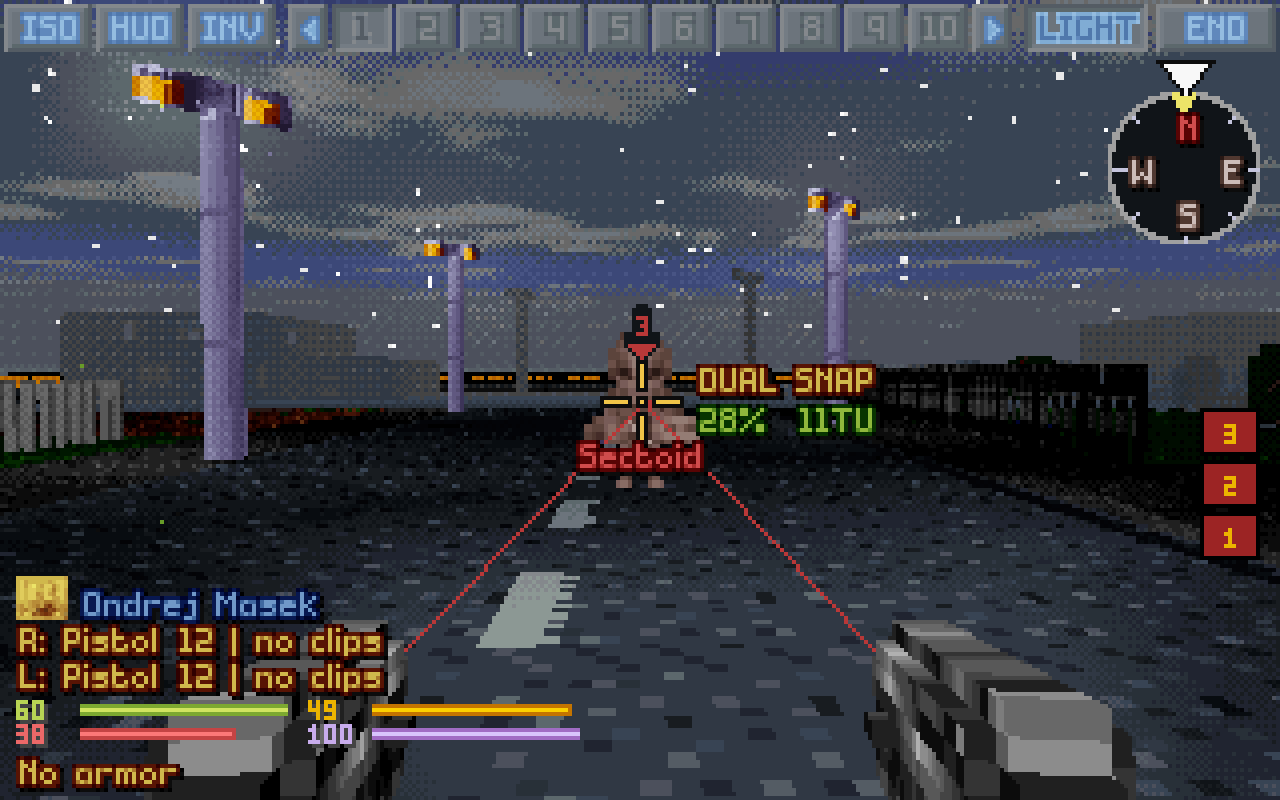
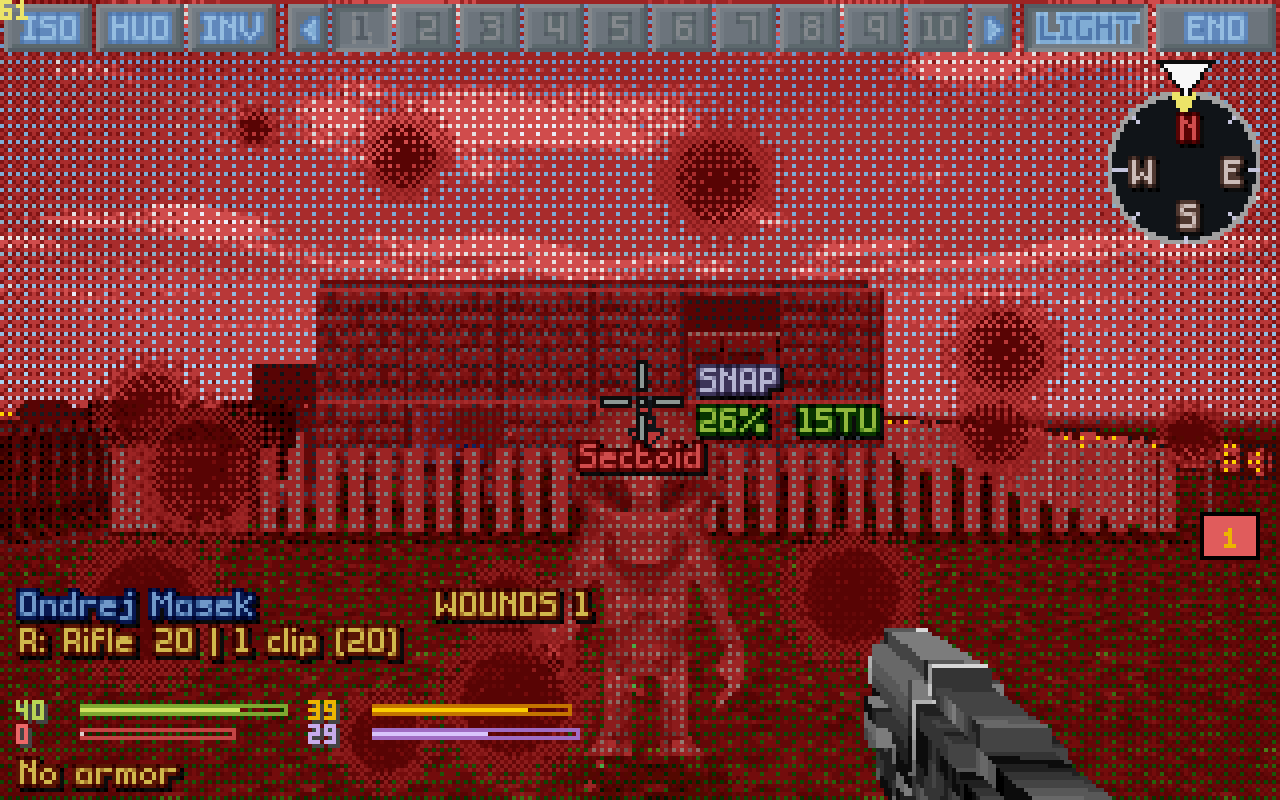
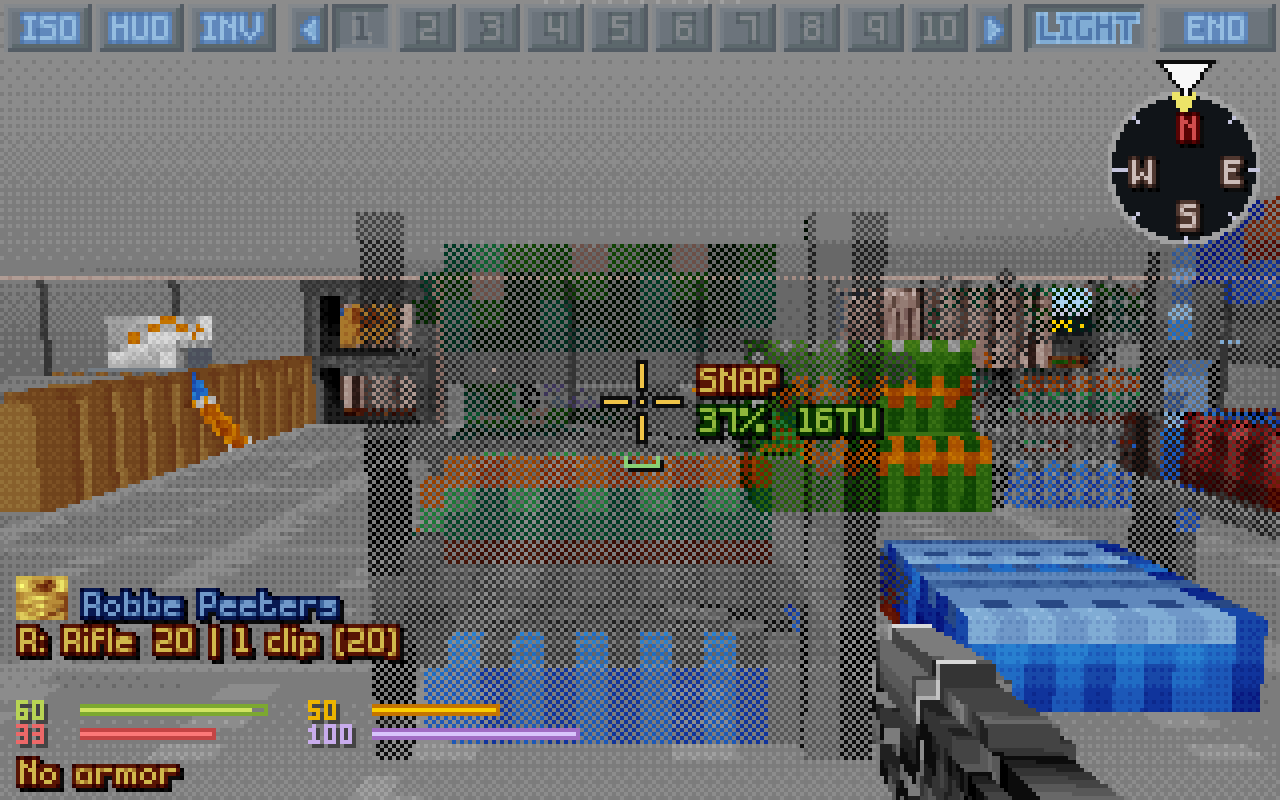
Live · soldier camA terror site in 3D: a Sectoid down the street, two pistols in hand.
Get it running
Play on:
On Linux there are two downloads, the same game in two wrappings: an AppImage, one file to run, and an archive to unpack anywhere. Either runs on any 64-bit Linux from 2021 on (Ubuntu 22.04 and newer, Debian 12, Fedora, Arch and the like) and brings its own libraries. Pick your system in the bar above, and the page shows only its steps.
On Windows it's a zip: unpack it into a folder of yours and start play.bat. It runs on 64-bit Windows 10 and 11 and brings its own libraries; nothing is installed.
The Steam Deck runs the Linux download. You set it up once in Desktop Mode, add it to Steam, and play it in Game Mode with a controller layout made for it.
The macOS app is a first, untested build: it is made and started on GitHub's Macs for every change, but nobody has played it on a real Mac yet. Reports are very welcome.
1
Have the original game
You need your own copy of X-COM: UFO Defense (UFO: Enemy Unknown) and/or X-COM: Terror From The Deep: from Steam, from GOG, or the old CDs. Nothing of it comes with OpenXcom3D.
What the game needs is the folder with GEODATA, GEOGRAPH, MAPS and UFOGRAPH directly in it. You don't need to run the original game, or DOSBox: OpenXcom3D plays its files itself, and never changes them.
~/.local/share/Steam/steamapps/common/X-COM Terror from the Deep/TFD
(Steam as a Flatpak keeps them under ~/.var/app/com.valvesoftware.Steam/, as a Snap under ~/snap/steam/, and a second library on another disk wherever you put it. All of them are found.)
C:\Program Files (x86)\Steam\steamapps\common\X-COM Terror from the Deep\TFD
From Steam, it's in your Steam library; from GOG, the app in Applications keeps the DOS game inside. Both are found.
Installing it with Steam on Linux: both are Windows games. If Steam shows no Install button for them, switch on Steam Play (Steam → Settings → Compatibility, or the game's Properties → Compatibility). You only need its files on the disk: you never start it from Steam.
OpenXcom3D-<version>-x86_64.AppImage: one file, the simplest. Its saves and options live in ~/.local/share/openxcom3d.
OpenXcom3D-<version>-linux-x86_64.tar.gz: a folder to unpack. Everything stays in it, its saves too (its user folder), and it comes with an installer that adds a menu entry.
From the latest release, take OpenXcom3D-<version>-windows-x86_64.zip.
In Desktop Mode (Steam button → Power → Switch to Desktop), open the latest release in the browser and take OpenXcom3D-<version>-linux-x86_64.tar.gz, the archive: it holds the controller layout too.
From the latest release, take OpenXcom3D-<version>-macos.zip, for Apple silicon and Intel, macOS 11 and newer. The automatic builds make one for every change too: the latest run of Build, under Artifacts, macos-release (that needs a free GitHub account; each run keeps it for 30 days).
3
Unpack it and start it
The AppImage
Make it executable (in a file manager: Properties → Permissions → Allow executing as program), then double-click it. Or in a terminal, where you downloaded it:
Unpack it anywhere (a file manager's Extract here does it) and run play.sh in it:
Terminal
tar xzf OpenXcom3D-*-linux-x86_64.tar.gz
cd OpenXcom3D-*-linux-x86_64
./play.sh
Or let its installer put it in ~/Games/OpenXcom3D, with a menu entry: python3 install.py --desktop in that folder. It asks where your game data is, and finds Steam's by itself.
Unpack the zip (right click → Extract All) into a folder of yours: Documents, the Desktop or C:\Games. NotProgram Files: the game keeps its saves and options in its own user folder, and Windows doesn't let it write there.
Then double-click play.bat in that folder.
"Windows protected your PC": the game isn't signed, so Windows asks the first time. Click More info, then Run anyway.
Unpack the archive into ~/Games (in Dolphin, the file manager: right click → Extract → Extract archive here). Then double-click play.sh in its folder and choose Execute, once, to check that it starts and finds your game.
Into Game Mode
In Steam (still on the desktop): Games → Add a Non-Steam Game to My Library → Browse, set the file type to All Files, pick play.sh and add it.
The controller layout: run steamdeck/add_controller_layout.sh from the game's folder once (double-click → Execute). It closes Steam for a moment, adds the layout and sets it for your OpenXcom3D shortcut, and starts Steam again.
Back to Game Mode: OpenXcom3D is in your library under Non-Steam, playing full screen with the layout. Steam + X brings up the keyboard.
Unpack the zip and move OpenXcom3D.app where you like, Applications for instance.
The app is signed ad hoc, not by Apple, so macOS stops it the first time. Open it once, then go to System Settings → Privacy & Security and click Open Anyway. Or in Terminal:
After that it opens like any other app. Its saves and options live in ~/Library/Application Support/OpenXcom3D.
4
Give it your game data
The first time, it looks for your games by itself and links them in: a UFO or TFTD folder next to it (on Linux and the Mac, in your home folder too), and your Steam libraries. Then it starts the game it found, UFO if both are there. If it finds none, it says where to put them.
To give it a game it didn't find (a GOG or CD copy, or Steam somewhere it doesn't look), put the game folder from step 1 where it looks, named UFO (for UFO Defense) or TFTD (for Terror From The Deep):
For the archive
Into its user folder, a link is enough (a copy works too; a UFO folder next to play.sh is found as well). In the unpacked folder:
Copy the game folder into the OpenXcom3D folder (next to play.bat) and rename it UFO or TFTD. play.bat links it into user\ the next time it starts (a directory junction: no administrator needed, and the data stays as it is).
Steam's own folder, and every other Steam library it lists (a second disk too), are found without that.
Steam's games are found by themselves, on the internal disk and on the SD card. For another copy, put the game folder next to play.sh as UFO (or TFTD), in Dolphin: copy it there and rename it.
Copy the game folder to ~/Library/Application Support/OpenXcom3D/UFO (or TFTD), or put it next to the app as UFO. The app tells you in a window if it finds none.
It should look like this, the game's folders directly inside (not one folder deeper):
UFO/GEODATA the Geoscape's data
UFO/GEOGRAPH its pictures
UFO/MAPS the battle maps
UFO/UFOGRAPH the battle's pictures, and the rest of the game's folders beside them
Both games? Give it both folders. It starts with UFO; to play TFTD, pick Terror From The Deep under Options → Mods.
5
Into 3D
Start a campaign, or for a quick look a New Battle from the main menu. In the battle, press F8: you're in your soldier's eyes. F8 again goes back to the map.
Look with the mouse, walk with WASD, jump with Space; every step costs its time units, as on the map.
Fire with the left mouse button; J picks the fire mode, R reloads, G switches hands.
C frees the cursor for the buttons, Tab goes to the next soldier, I opens the inventory, H shows the game's own HUD.
Every key and setting (there are many, all under Options → 3D VIEW) is below, with what each means for how you play.
If something's wrong
What people run into, and what to do. Anything else: open an issue, with the openxcom.log from the game's profile folder.
It says it needs the data of the original game
It found no game folder. Put yours where step 4 says, named UFO or TFTD, with GEODATA, GEOGRAPH, MAPS and UFOGRAPH directly in it: not the folder one up (Steam's XCom UFO Defense), and not one down.
F8 does nothing, and there's no 3D button
The OpenXcom3D mod is off. Open Options → Mods and switch on OpenXcom3D - First-Person View. (A new profile has it on; if you switched it off, it stays off.)
A new version: how do I keep my saves?
The AppImage keeps them in ~/.local/share/openxcom3d, for every version. With the archive they're in its user folder: copy that folder's xcom1 (UFO) or xcom2 (TFTD) folder, and options.cfg if you like, into the new version's user folder.
They're in the user folder of the old version: copy its xcom1 (UFO) or xcom2 (TFTD) folder, and options.cfg if you like, into the new version's user folder.
They're in the old version's user folder: copy its xcom1 (UFO) or xcom2 (TFTD) folder into the new version's. Point your Steam shortcut at the new play.sh (its Properties), and run steamdeck/add_controller_layout.sh again for the new version's layout.
They stay in ~/Library/Application Support/OpenXcom3D, for every version.
It says the system is older than glibc 2.34, or lacks libGL.so.1
The ready build needs a Linux from 2021 or newer; on an older one, build it from source. libGL.so.1 comes with the graphics drivers: libgl1 on Debian and Ubuntu, libglvnd on Arch, libglvnd-glx on Fedora.
The window closes at once, with an X error about GLX
The system's OpenGL is broken. The game runs without it like this:
On a disk that can't hold a directory junction (FAT32, exFAT, a network drive), play.bat copies the game folder into user\ instead. That's fine; it takes a little space, and the original stays as it is.
Has it been played on a real Windows?
Every change is started and checked on a real Windows by the automatic builds (the game starts, play.bat finds the games in Steam), and battles are played under Wine. Reports from a real Windows machine are very welcome.
Start here
In a battle press F8 (or V): you're in your soldier's eyes. The same key goes back to the map, any time.
Look with the mouse, walk with WASD: every tile costs its time units, as on the map.
Click to fire at the crosshair; ZX pick snap or aimed, the wheel any of them.
C frees the cursor to click the buttons; H brings the map's whole bottom HUD into 3D.
Tab goes to the next soldier, Backspace ends the turn.
Esc → Options → 3D VIEW has the settings and the keys, from the main menu or in a battle.
Two ways to play
One setting decides how shots work: FPS-style shooting (easier). Everything else (time units, energy, damage, line of sight, reaction fire, the aliens' minds) is the original game's either way.
The game's own targeting the default
The game's own accuracy roll; the hit chance shows by the crosshair, as the map's cursor shows it.
Shots go for the exact point under the crosshair (or its tile, with Aim at exact point off), from the game's own muzzle points; "No line of fire" where the game says so (the laser shows it dimmed first).
The accuracy line: how far a successful roll strays.
Snap, aimed and auto as in the game.
What you can do from a tile in 3D is what you can do on the map: switching with F8 never changes a shot.
FPS style FPS-style shooting on
No dice: rounds fly along the crosshair with a spread (firing skill and kneeling tighten it), recoil lifts your aim, the bloom grows as you fire.
Each round leaves from your eye, so what you see past a corner, you can hit; and hits whatever is in the way.
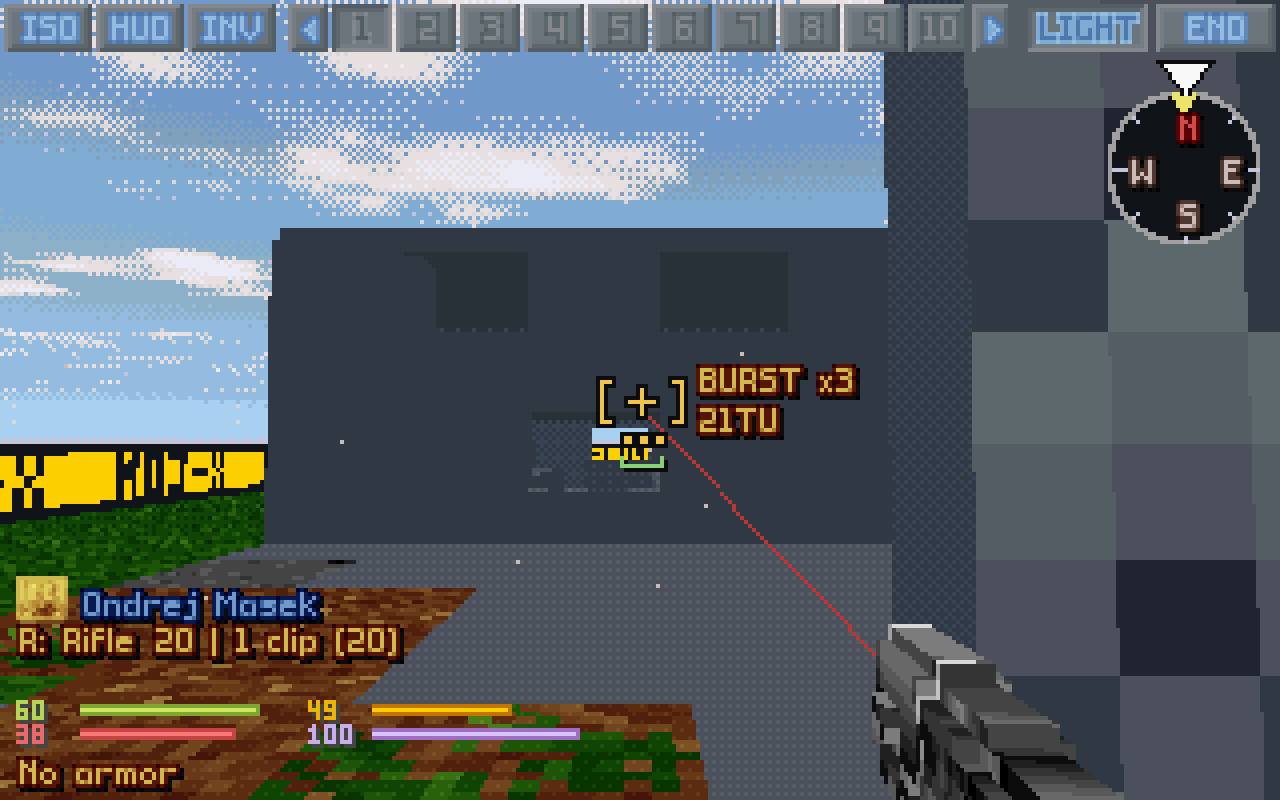
Snap = one round from the hip, aimed = one tight round, auto = a burst, hold the trigger for more.
Rounds fly at a bullet's pace.
Your skill decides more, the soldier's less: relaxed, and a different game.
Settings that bend the rules a little
Each a setting, so you choose: Jump over low obstacles (vault a fence for the walk), Falling (step off a ledge), Lean shots and Lean (shoot from the side of your tile), Akimbo, Melee hits walls and downed, Force arcing shots and Force blocked shots (as Ctrl on the map), Turning costs TU off (free turns), and the Doom cheats. Everything else only changes what you see.
Keys
The defaults: every one can be rebound in Options → 3D VIEW → Controls (click its row, press the new key; a right click clears it).
Getting around
Key
What it does
How it plays
F8 or V
Switch between the isometric map and 3D (or the ISO/3D button). Back on the map it's centred on your soldier.
Switch whenever you like, even mid-turn: the battle is the same one.
WASD
Walk and step sideways in real time. Each tile costs its normal time units; walking into a door opens it. On a lift or a ladder, or flying, W while looking up climbs and looking down goes down.
Free movement can stand you anywhere in a tile, which matters for peeking and lean shots.
Numpad 8 2 4 6
One tile ahead, back, left or right, almost at once, as a step on the map; two together make a diagonal. 79 snap-turn 45°.
Tile-exact moves when you count time units.
Caps Lock
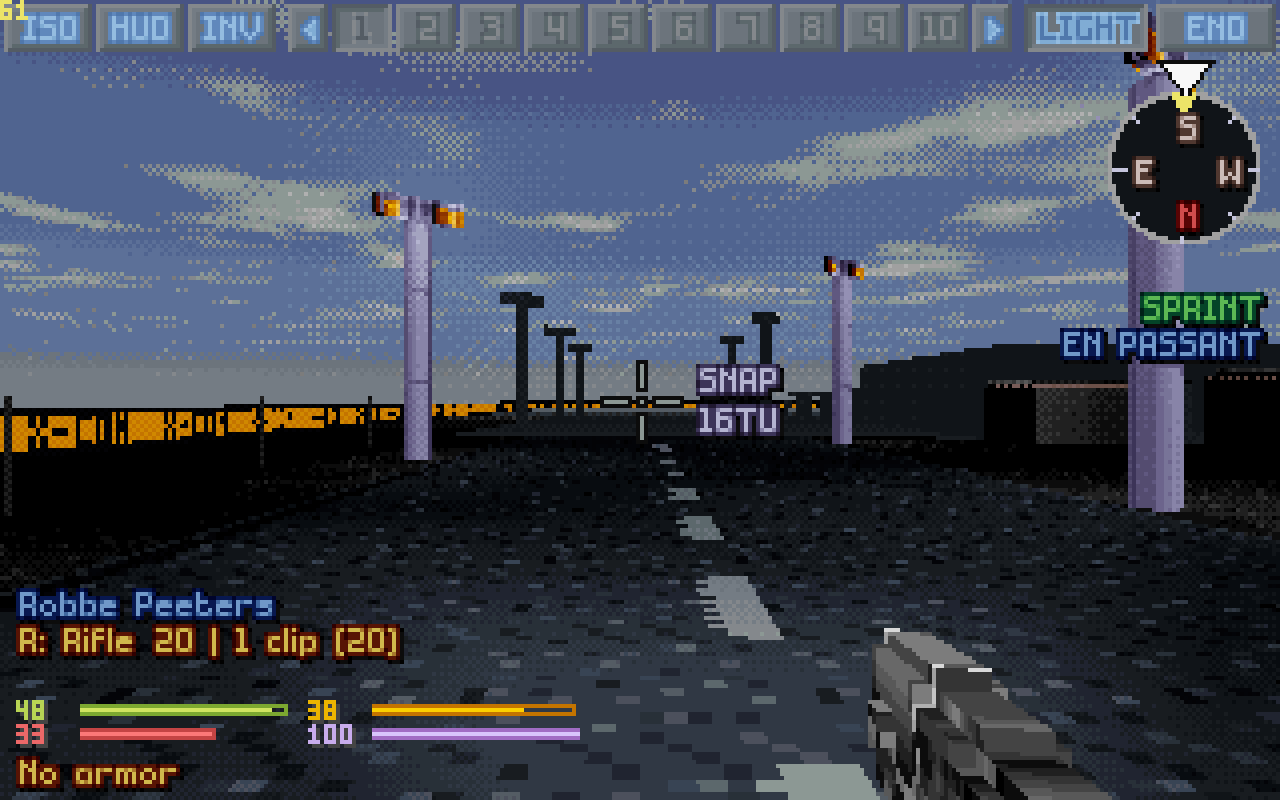
Sprint on/off: every step is the game's run (Ctrl on the map), and an enemy coming into sight doesn't stop it, as with en passant (ENEMY SPOTTED still shows). Being shot at stops it: let go of the keys, and a new press walks on. SPRINT shows under the compass.
Three quarters of a walk's time units, half as much energy again: cross open ground fast.
`
En passant on/off: an enemy coming into sight no longer stops the walk (as Shift on the map). ENEMY SPOTTED still shows. Being shot at still stops it, as on the map: let go of the keys, and a new press walks on.
Walk on past enemies at walking pace; sprinting does the same at a run.
Space
Jump: a hop on the spot (1 TU); while walking forwards or sideways into something low (a fence, a crate, up to 15 voxels high) it vaults over, for 30 TU (a setting).
A small bend of the rules (setting Jump over low obstacles).
Page UpPage Down
Fly up/down, ride a grav lift, climb a ladder. Off a lift, Page Up switches flight on, Page Down on the ground off. Purple arrows with LIFT PLATFORM show where a lift goes.
B
Suit flight on/off (flying armor; SWIM under water), kept in the save.
(set a key)
Turret only (tanks): TURRET on/off, as its button on the top bar: turning the view turns a tank's turret alone, at the turret's cost, the hull staying as it is. Kept in the save, tank by tank.
Swing the gun round without turning the whole tank: in the big mods a tank's turn costs far more than its turret's.
O
Open the door you look at without walking through it, if it's in reach.
Look before you step into a room.
(set a key)
Grab the item at your feet into a free hand, in 3D and on the map; with several items or no hand free, the inventory opens.
Give it a key on the 3D keys page: it has none.
Looking
Key
What it does
How it plays
Mouse
Look around, all but straight up and down; the head turns 45° for free, further turns the soldier at the game's cost (Turning costs TU; off, free).
←→↑↓
Turn left / right, look up / down.
The 3D view's own keys: the map's scroll keys can go on W, A, S, D.
Home
Look straight ahead, the way the soldier faces (the map's centre key).
,.
Snap turn 45° left / right.
1 … 0
Turn to visible enemy 1 to 10 (or, with the free cursor, click its red button at the right).
Find every alien in sight in one key.
Left Shift + A / D, held
Lean out left / right to peek round a corner. Off until the setting Lean is Peek or Tilt; Lean left and Lean right can also get keys of their own. The eye moves up to six voxels; a shot from a lean leaves from that side.
You see the street round the corner; who is seen is still the game's call.
U or the right button, held
Zoom: the view glides in four times closer. SCOPING shows how far.
Only the picture changes: aim and hit chance stay the same.
Left Alt, held
Show facing: a ring round every unit in sight with an arrow the way it faces, in its side's colour.
Where an alien looks decides whether it reacts to you.
Range (hold): a key of your choice
The rangefinder while held (setting Rangefinder; the digital one when that is Off).
No key until you give it one in Options, 3D VIEW.
N or Scroll Lock
Night vision on/off (Scroll Lock: the game's own key for it).
F
The flashlight on/off: a spot on the crosshair, day or night.
Only the 3D view is lit: aliens don't see you any better for it.
Fighting
Key
What it does
How it plays
Left button
Fire at the crosshair in the current fire mode.
Wheel / J
Previous / next fire mode: auto, snap, aimed, launch, melee, psi, use, throw, prime.
A gun starts on snap: aimed one notch down, auto one up.
ZX
Snap / aimed shot. The auto shot has no key of its own by default: the wheel or J reaches it, or bind one.
In FPS style: snap = one round from the hip, aimed = one tight round, auto = a burst, hold the trigger for more.
G
Switch hand: right, left, and the built-in weapon, each that gives something to use.
Y
Akimbo off, and back on to the kind the setting Akimbo says (Full or One-hand); with the setting Off it does nothing. It marks the soldier's akimbo on the map along with it.
Two guns: more rounds, each 20% less accurate. Off to take an aimed shot. Reaction shots fire both guns too.
Akimbo style (unbound)
Switch two guns between taking turns round by round and firing at once (Akimbo volley).
Ctrl+Shift + click
With a spray weapon's auto shot (X-Com Files' miniguns): mark the spray burst's points, as on the map.
Right button
Cancel the current action, or forget a target marked for Confirm fire; with nothing to cancel, hold to zoom (with a free cursor: hold and drag to look round).
T
Throw a tactical flare: free, as often as you like.
Lights the 3D view only.
Insert
The Doom cheats off, and the same ones back on.
The screen
Key
What it does
How it plays
C or the middle button
Mouse look ↔ free cursor, to click buttons and hover soldiers for their cards. With Middle click identifies a middle click on a unit shows it.
H
The classic HUD on/off: every button of it works in 3D.
The map's whole bottom bar, if you prefer it.
Wheel over a soldier's button
With the cursor free: steps the soldier's card, or the SOLDIER CAM, through the squad one soldier at a time (over ◀ and ▶ it scrolls the bar).
Look through every soldier's eyes in a few turns of the wheel.
P
The 3D HUD hidden; again, the crosshair too (a clean view); again, all back. On the map: the map camera on/off.
F7
The frame counter on/off (the game's key).
The game's own keys, in 3D too
Key
What it does
How it plays
K
Kneel / stand: the view drops to kneeling height.
Kneeling steadies the aim, in either style.
I
Inventory.
R
Reload, from a clip anywhere on the soldier (the cheapest to reach). If nothing loads, a message says why.
The big mods charge the clip's move to the hand too.
QE
The left / right hand's action menu.
L
The suit light: the game's personal light for the whole squad.
Unlike the flashlight it lights your tiles by the game's rules: aliens see you more easily at night.
Tab
Next soldier; the 3D view looks through them. Previous soldier has no key until you give it one: click ◀ in the top bar.
M
The minimap, on your soldier.
Backspace
End turn.
F5 / F9
Quick save / load.
The classic HUD in 3D
H shows the game's own bottom HUD over the 3D view with a free cursor; every button works. The map level buttons look 30° up or down, the centre button turns the view back to the way the soldier faces, the red enemy buttons turn the view to that enemy (right click: switch to the soldier who sees it), and a shot picked from a hand's menu becomes the fire mode.
On the Steam Deck
The controller layout made for OpenXcom3D maps all of this to the Deck's buttons: see the Steam Deck steps above.
On screen
The 3D view's heads-up display, its icons and its messages.
12345678
The heads-up display, numbered below.
ISO, HUD, INV. The map and back, the classic HUD, the inventory.
The squad. Your soldiers in the middle of the top bar: click to select, hover for the card with a live helmet camera, right click for the SOLDIER CAM; ◀ and ▶ for the previous and next. A skull marks the dead, a caduceus the unconscious, an orange alien face one under mind control.
LIGHT, END and the rest. The suit light, the end of the turn, and when the soldier has them NIGHT VISION, SUIT FLY and a tank's TURRET (the view turns the turret alone).
The compass. Your heading under the white arrow, the way the soldier faces (a yellow triangle), and a shot's turn and its cost.
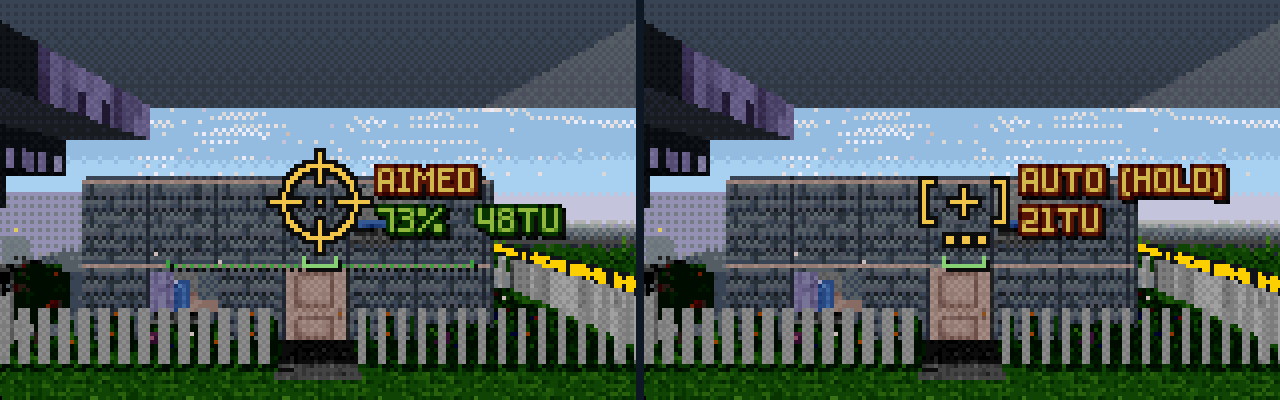
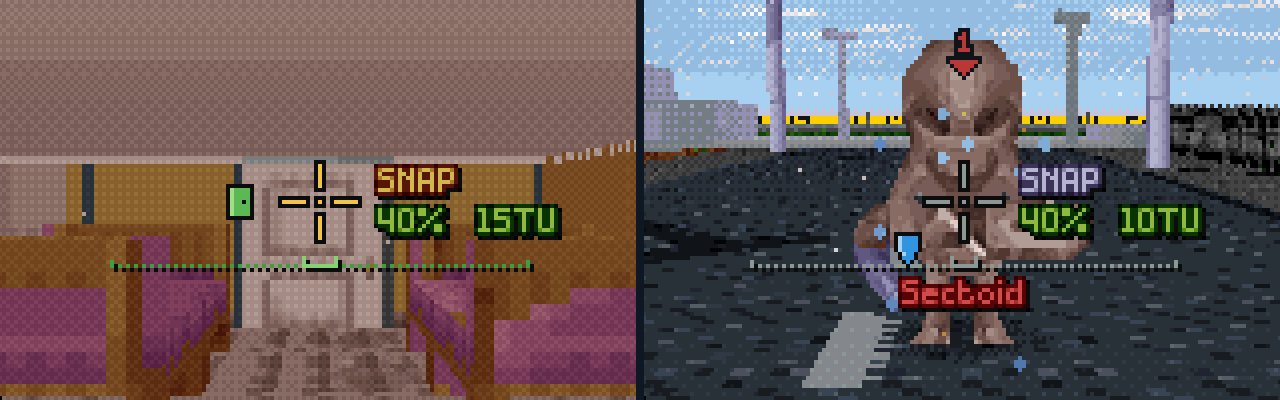
The crosshair. Its shape is the fire mode; the accuracy line under it; the shot info beside it (mode, hit chance, time units, the other costs below); the name of the unit pointed at under all that. A little green door at its left: it's on a door. A blue shield at its lower left: your strike did no harm. To its left: the range (setting Rangefinder), and OFF or BLOCKED when the shot previewed won't land under it.
The soldier. Rank and name, what matters now (KNEELING, BURNING, WOUNDS, PANIC), a line per hand with its ammo (a cannon or launcher says the loaded kind: [AP], [HE], [IN]), the four stat bars, and a mod's mana as a thin bar under them.
The weapon in hand. Built in 3D from its inventory picture, its barrel on the line to the crosshair; your shots leave its muzzle.
The enemies in sight. A red button for each, in a column at the right, a red number over its head: click the button, or press 1 to 0, to turn to it.
The crosshair: one shape per fire mode, and its marks
Snap An open cross
Aimed A scope ring
Auto Brackets, a dot per round
Throw An arc onto a ring
Launch A diamond
Melee Claw marks
Psi Rings spreading out
Use, prime A box
A hit White ticks on the diagonals
A kill Longer red ticks
No harm A small blue shield, lower left
A door A little green door, at the left
Signs and messages
The crosshair's colour
Yellow: you can do it. Red: you can't (time units, ammo, range). Purple: psi. Grey: not your move.
The shot info
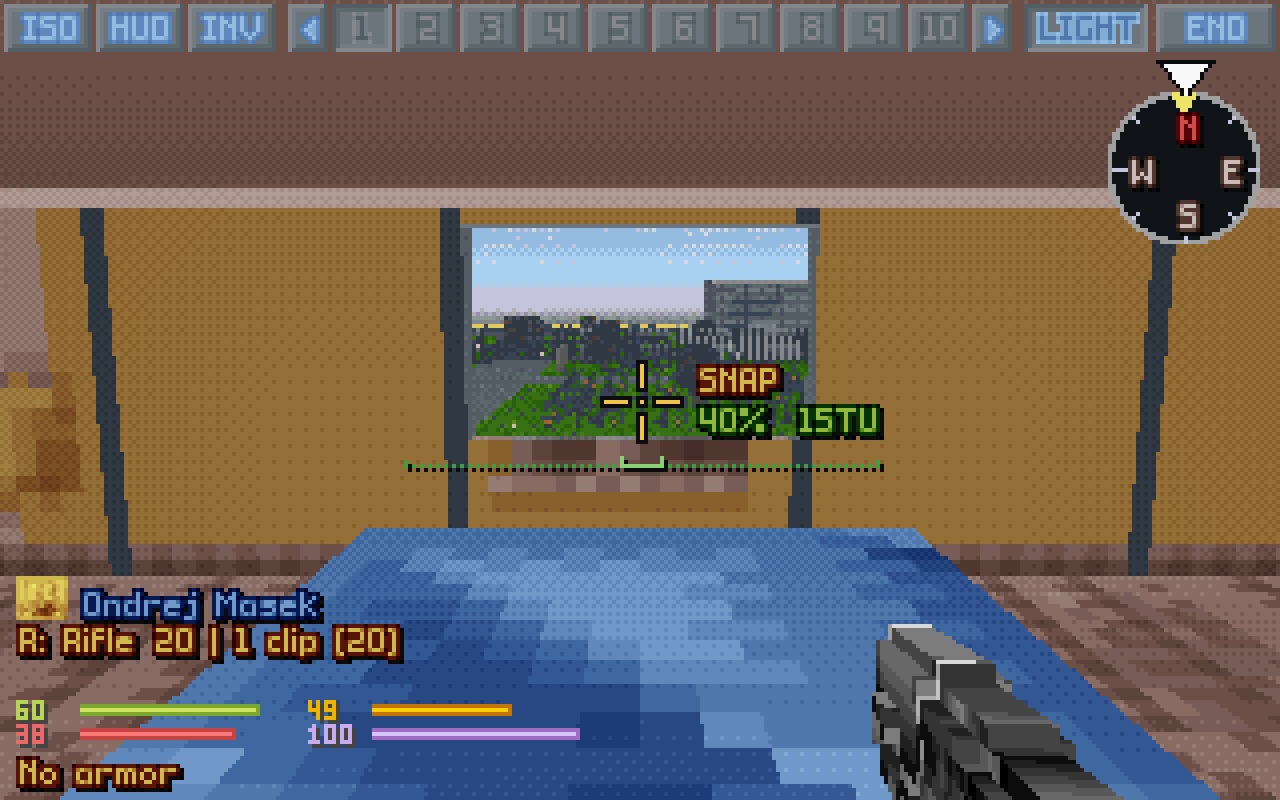
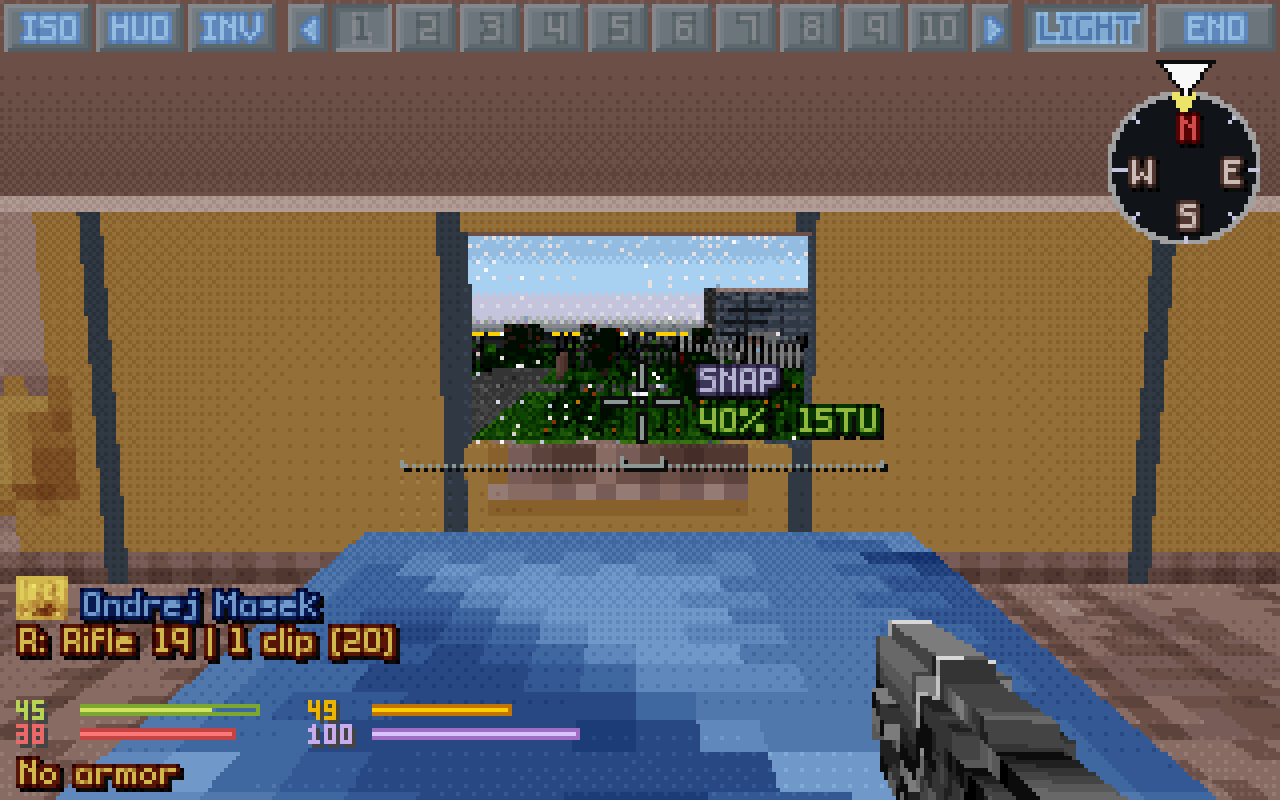
SNAP 40% 15TU: the fire mode, the hit chance (green; yellow with range or sight penalties; red when it can't be taken) and the time units; a melee blow's hit chance (MELEE 23% 4TU) as the map's action menu gives it. With two guns DUAL (round by round), VOLLEY (both at once) or IN TURN (an arcing pair, gun after gun) in front. A guided missile being aimed on the map, back in 3D: WAYPOINTS 3/9, those placed of the most its launcher takes.
The other costs
EN 6 STUN 2 under the shot info: energy, health, stun, morale, mana. A cost you can't pay is red, and the game would refuse the action.
Shot damage
With the setting Shot damage: the shot's damage range under the hit chance, as the map shows it with Alt, in the damage type's colour.
The accuracy line
A green line under the crosshair, a notch up at each end: with the game's own targeting bright as far to either side as a successful roll can stray, and dotted on out to where a miss can; in FPS style the spread, widening as you fire. Grey when it's not your move.
Hits, kills, no harm
A hit: white ticks on the crosshair's diagonals and a tick heard, the unit flashing and flinching back; a downed one too, bleeding on the floor. A kill: longer red ticks and a double tick. A strike that did no harm (armour, a zero roll, full resistance): a small blue shield at the crosshair's lower left and a duller tick.
A door
A little green door at the crosshair's left: the first wall its line meets is a door you have seen, a swinging door or a UFO's (teal under TFTD's sea). O opens it from where you stand, if it's in reach.
The trajectory
A light cyan arc for a throw or an arcing shot, a diamond where it lands; a thin red laser for a straight shot, a bright dot where it meets something. Yellow: forced (it goes whatever is in the way). Dim dotted red: the game will refuse it.
Unit names
The unit under the crosshair, by name or race: green X-COM, red aliens, yellow civilians.
Downed unit icons
Over an unconscious body: a flame (burning), a drop (bleeding), a bolt (shock), Zz (out cold).
Damage numbers
With the setting Damage numbers: over a unit just hit, 12 in red (the health it lost), 2 in blue (the armour it wore off), 5 in purple (stun), a grey 0 for a hit the armour stopped.
Hitboxes and facing rings
Outlines of what a shot can really hit (setting Hitboxes); with Left Alt a ring and arrow round every unit in sight, the way it faces.
Enemy markers
Numbers over the aliens the squad sees, as their buttons at the right: red, this soldier sees it; green, only the squad does; yellow, out of his sight but in a clear line of fire; blue and purple over your own wounded and those about to pass out. The keys 1 to 0 turn to them.
Lift arrows
Purple arrows and LIFT PLATFORM on a grav lift or a ladder: the ways it goes. Arrows left of the compass show where W climbs.
Under the compass
SPRINT (green while running, grey when the soldier can't), EN PASSANT, TURN 1 TU, SHOT +1 TU, NO TU.
At the right
SCOPING 2.6x while zooming.
Warnings
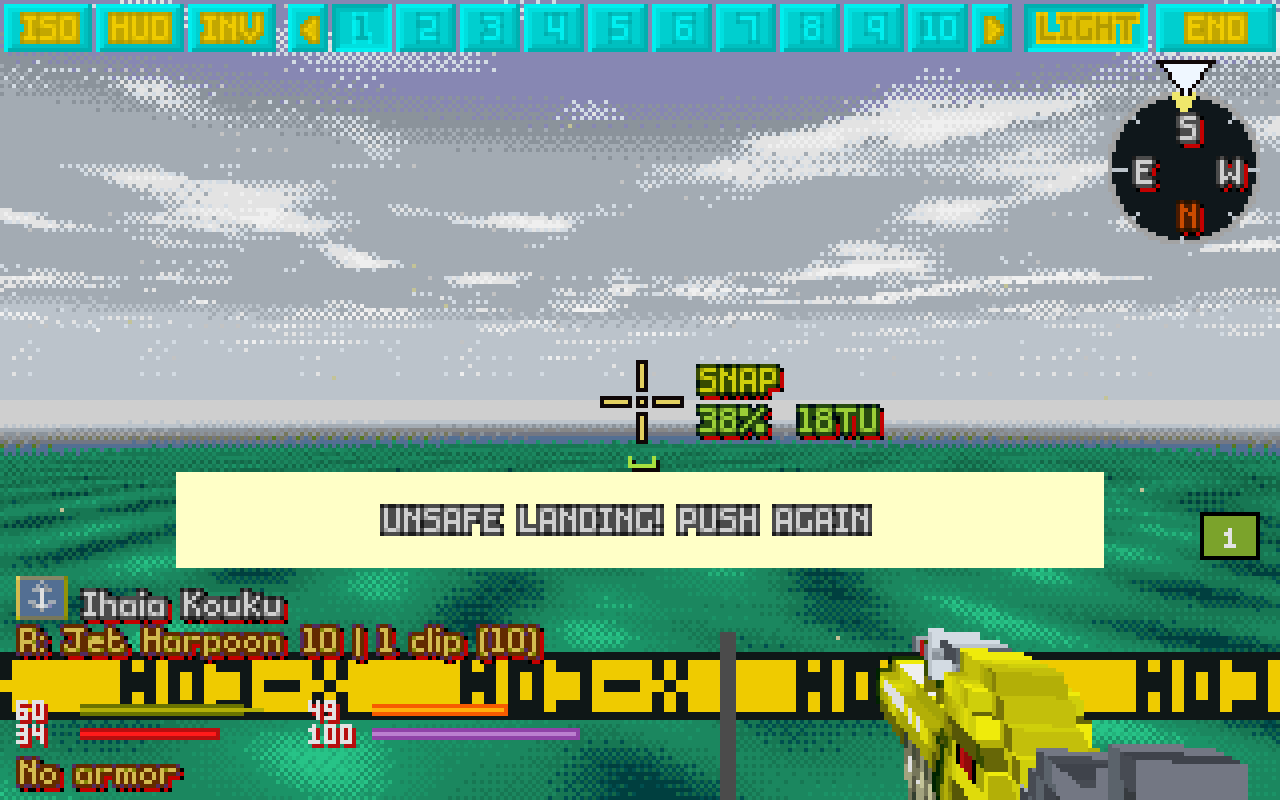
UNSAFE LANDING! PUSH AGAIN at a ledge over ground no one can walk on; when R loads nothing, why: Already loaded, No spare clip for this weapon, Not enough time units to reload; the game's own warnings (No Line of Fire!, Out of Range!), on the warning line.
Banners
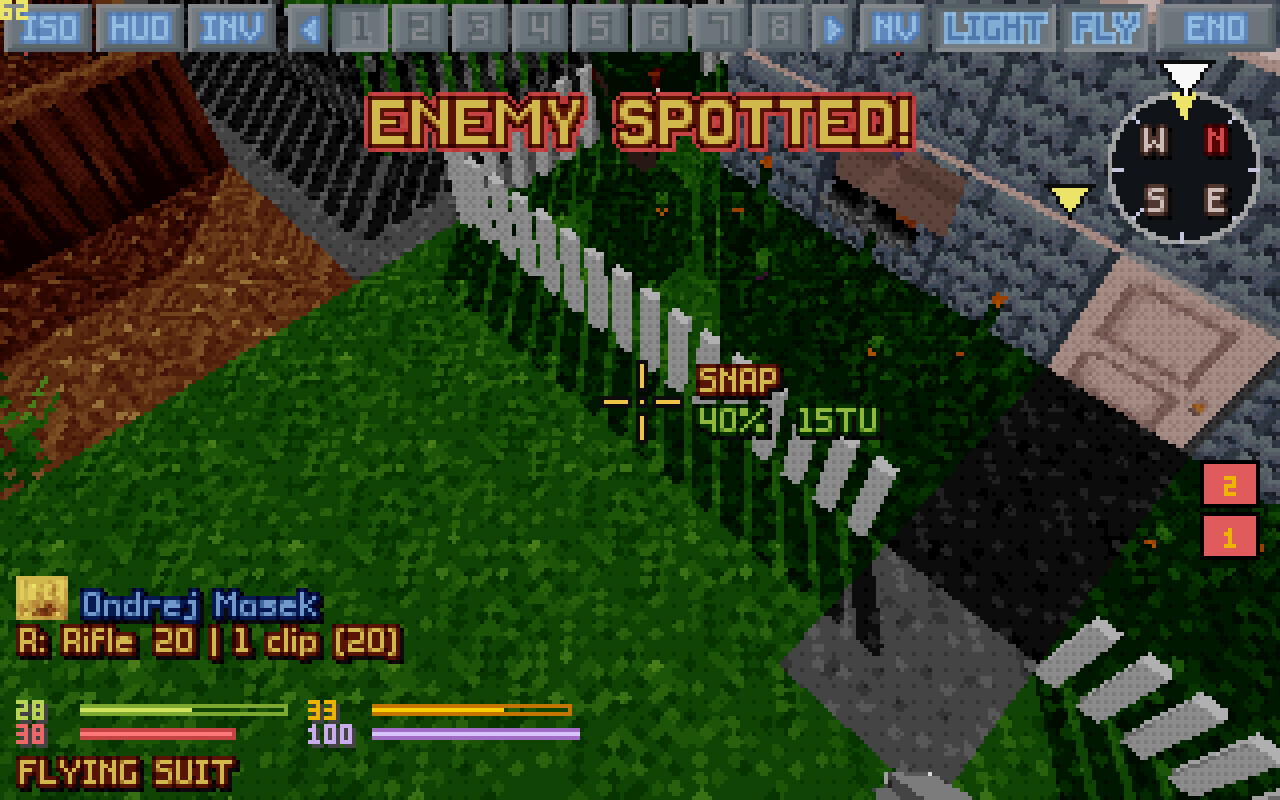
ENEMY SPOTTED!, HIDDEN MOVEMENT, BURNING, YOU HAVE A MENTAL BREAKDOWN, BERSERK, TURNED INTO A ZOMBIE.
Camera cards
A soldier's helmet camera popping up: TARGETED, HIT, MIND CONTROLLED, FIRING, WATCHING, DECEASED, UNCONSCIOUS. A blinking red dot and now and then a bad signal or static: it's a camera, not your view. SIGNAL LOST when the soldier you look through falls.
The info panel's right side
DOOM MODE while the cheat is on (IDDQD, IDKFA or both in its place with those); with IDDQD the stats turn silver.
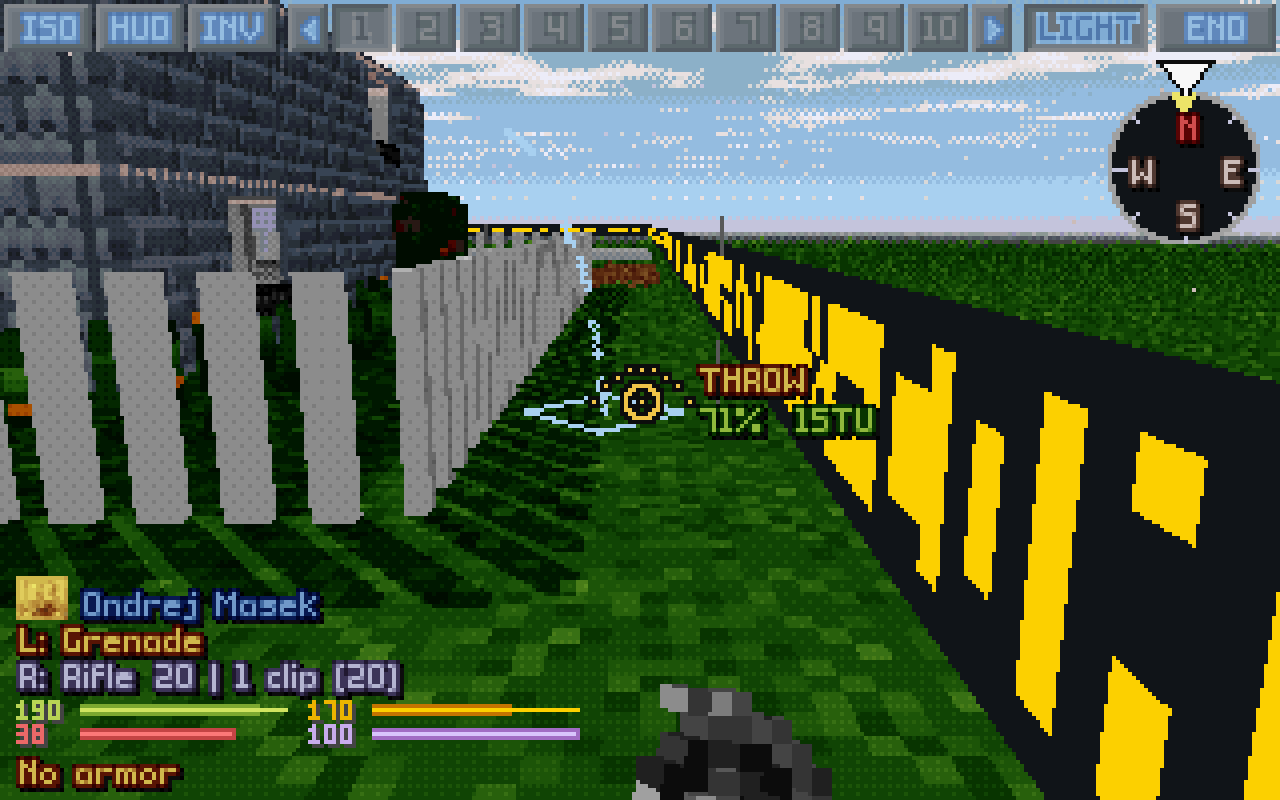
The trajectory: a grenade's arc, and where it lands.
Settings
Options → 3D VIEW, from the main menu or in a battle: the first page (Settings) has the two presets and the few settings changed most; Advanced has them all, in these groups. A left click flips YES / NO or raises a number, a right click lowers it; the default is in bold.
How it plays, as one choice setting 45 settings. FAITHFUL: soldiers' 3D view on top of OXCE. Extended+: the map camera, unit names, hitboxes shown, exact aim. TACTICUS: cameras as the eyes see, the accuracy line, the rangefinder, step costs. XMbl: akimbo, lean shots, modern throwing, full sprite hitboxes, damage numbers. FullQoL: every feature on. FPS: free turning and walking, FPS-style shooting, quick deaths.
Change one of its settings by hand and it becomes Custom; your mix is kept while you try the others.
Graphics detail
Low / Medium / High / Custom
How finely the 3D world is drawn, as one choice setting thirteen Screen settings, by the Renderer. CPU: Low has pixels twice as big and no sun shadows, Medium the HUD's resolution, High the battlescape's. GPU: Low the HUD's resolution, Medium the display's with Render scale on Auto, High that with true colour, smooth light, soft shadows, ambient occlusion and the lights' effects.
Low on a slow machine; with Renderer GPU, Medium on built-in graphics and High on a dedicated card.
View and camera
Setting
Choices
What it does
How it plays
Soldier camera preview
YES / NO
Hovering a soldier's button shows their card with a live helmet camera. A right click opens their SOLDIER CAM, big.
See what each soldier sees without leaving the one you play.
Map camera
Off / Small / Medium / Large
On the isometric map, the selected soldier's helmet camera in a window at the top left; it turns to your target while you aim.
The map with a soldier's eyes beside it: aim on the map, check the view.
Cameras see as the eyes
YES / NO
YES: the helmet cameras see through smoke with the soldier's heat vision, as the 3D view. NO: a realistic camera.
Camera artifacts
Normal / Light / None
The helmet cameras' bad signal: static, glitches, freezes. Light: lighter static, no glitch over 0.15 s. None: a clean feed. A fallen soldier's camera shows static at every setting.
Light keeps the look of a live feed without its unreadable moments.
Mouse sensitivity
1 to 20 (5)
How fast the view turns with the mouse.
Invert mouse
YES / NO
Mouse forward looks down, as in a flight simulator.
Field of view
50 to 110 (75)
How wide the 3D view is, in degrees.
Wider shows more around you; narrower makes far targets bigger.
Start battles in 3D
YES / NO
Begin every battle in the first-person view.
Alien turn in 3D
YES / NO
Stay in 3D during the aliens' turn, through your last soldier's eyes. NO: the map for their turn.
Alien turn: look as the soldier faces
YES / NO
YES: in the alien turn the view stays with your soldier's facing, at most 45 degrees to either side: you see what they can see.
Aliens' turn cameras
YES / NO
In their turn the view cuts to where the action is: a soldier firing back, the nearest soldier who sees a moving alien, a soldier shot at by an alien nobody sees; helmet camera cards pop up for soldiers shot at, hit or mind controlled.
Camera when a soldier falls
YES / NO
With Aliens' turn cameras, in their turn: a soldier going down out of view pops up their helmet camera card, DECEASED or UNCONSCIOUS.
Eye height lowered by
0 to 6 voxels (3)
Sits the 3D camera lower, so rooms feel less cramped. What the soldier sees by the rules doesn't change.
Head bob
YES / NO
The view bobs with the soldier's steps.
Off if it makes you queasy.
Movement
Setting
Choices
What it does
How it plays
Sidesteps face the view
YES / NO
With Turning costs TU. YES: before a sidestep the soldier turns to face where you look (the turn costs TU), front armour forward; a step back becomes a sidestep side-on, never the back.
YES to play defensively against reaction fire; NO for the cheapest steps.
Turning costs TU
YES / NO
YES: the head turns 45° for free, beyond that the soldier turns at the game's cost, as on the map. NO: the soldier turns with the view for free.
YES is the classic rule: facing costs time units and decides reaction fire. NO is relaxed play.
Movement
Free / Tiles
Free: walk anywhere, stepping into the next tile when you cross into it. Tiles: a press walks one tile.
Tiles feels like the map; Free lets you stand to one side of a tile (lean shots, peeking).
Walking speed
1 to 8 tiles a second (4)
How fast the soldier walks in 3D. Every tile still costs its time units.
Flight cost per level (TU)
0 to 24 (0)
What a flying (or swimming) soldier pays to rise or sink a level in 3D.
The original game charges about 8.
Flight cost overrides rules
YES / NO
YES: every flyer pays the cost above. NO: each pays its armor's own cost.
NO keeps the game's slower flyers slow.
Jump over low obstacles
YES / NO
Jump while walking forwards or sideways into something low (up to 15 voxels high) vaults over it, for 30 TU.
Bends the rules a little: on the map a fence makes you walk round.
Falling
YES / NO
Walk off a ledge and fall to the level below.
A shortcut the map never offers, at the price of the fall.
Check the landing
YES / NO
A step off a ledge onto ground no one can walk on (a moat, the sea) or where no step leads on stops at the edge: UNSAFE LANDING! PUSH AGAIN.
Keeps a soldier out of places they could never leave.
Aiming and combat
Setting
Choices
What it does
How it plays
FPS-style shooting (easier)
YES / NO
NO: the game's own accuracy, its hit chance by the crosshair. YES: FPS-style shooting, far easier: rounds along the crosshair with a spread, recoil, from your eye.
Each shot kicks the view up (and climbs it in a burst with FPS-style shooting). NO: the view stays still; the gun in hand still kicks.
Akimbo
Off / Full / One-hand
A gun in each hand fires both on every shot, the two taking turns round by round, each 20% less accurate, for the dearer gun's shot and a tenth.
More rounds for the time units, worse aim; no aimed shots with two guns.
Akimbo volley
YES / NO
NO: two guns take turns round by round, each round resolved before the next. YES: both at once, a volley, their hits landing together.
In turns a burst can kill one alien and go on to the next.
Lean shots
YES / NO
Standing to one side of the tile shoots from that side: the game's own off-centre origins.
Peek and shoot round a corner (with the game's own targeting; FPS style always shoots from the eye).
Throwing
Classic / Modern
Throws and arcing shots from the 3D view. Classic: at the middle of the tile under the crosshair, as on the map. Modern: at the exact point under the crosshair, from a start that slides round the unit, so the curve moves smoothly as you aim.
Lean
Off / Peek / Tilt
Left Shift with A or D leans out to peek; Tilt tilts the view too.
Shows round corners; a shot from a lean leaves from that side.
Melee hits walls and downed
YES / NO
A blow at the wall, door or object under the crosshair strikes it; a blow can hit a body lying beside you, diagonally too.
Break through a wall with a hammer, as the map's terrain melee does in some mods.
Melee hits floors
YES / NO
With terrain melee on: the floor or ceiling you aim at takes the blow too.
Break through the floor at your feet or the ceiling above.
Aim at exact point
YES / NO
Shots go for the exact point under the crosshair (on the open sky, the air on its line). NO: for its tile, as in the original.
The game's accuracy applies either way.
Close range: from the eye
YES / NO
Game's own targeting: a straight shot at something within 2 tiles leaves from your eye, so it goes where the crosshair is.
Up close the game's muzzle point often can't reach what you see (the laser then says OFF).
Show trajectory
Arcs / All / Off
While aiming, the path the next throw or shot will take: a cyan arc for throws, a red laser for shots (All).
No surprise "No line of fire": a refused shot's laser shows dimmed.
Confirm fire
YES / NO
The first click marks the target and shows its path; a second click fires.
Never waste a shot on a slip of the mouse.
Force arcing shots
YES / NO
An arcing shot the game would refuse fires anyway, as with Ctrl held; its path shows yellow.
Force blocked shots
YES / NO
A straight shot with no line of fire fires anyway along the line to the crosshair, as with Ctrl held.
A round may clear thin cover, or hit it.
Shotgun pellets in flight
YES / NO
A shotgun's pellets fly beside its round, in 3D and on the map.
Each pellet on its own
YES / NO
A shotgun's pellets and an akimbo volley's two rounds each land on their own: none lost when the lead pellet leaves the map.
OXCE's "shotgun void" closed: shotguns hit as their pellets say.
Instant chain explosions
YES / NO
In 3D, a chain of explosives goes up as one big blast: the blast that sets it off plays, with one big boom, and fireballs ripple out to each explosive a moment apart.
Long chains of barrels and fuel without the wait; the wreckage is the same. An explosion that sets nothing off plays as ever.
Full sprite hitboxes
YES / NO
Units are hit, and seen, exactly where their pictures show, for everyone, in 3D and on the map. A unit's picture stands where the 3D view draws it, its feet on the floor's top, as wide as it is drawn (a bat's wings, a Cyberdisc's rim count over the next tiles too), and a shot meets the very pixel it passes through: solid, a hit; see-through, it flies on. Your own shots in 3D meet the picture exactly as you see it, leaning as it leans when you look up or down, smooth up close with Sprite upscaling.
What you see is what you hit: a shot between the legs passes, one at a gun held out hits, and a kneeling soldier is as small as he looks: a shot just over his head goes over. Only the art a unit's picture lays flat on the floor in front of its feet is never hit. Arcs too: a bow's arrow hits the picture it comes down on, a big unit aimed at its middle. NO: the game's own hit shapes.
Quick deaths
YES / NO
Units killed or knocked out are down at once: bursts fire on, falls play on their own and together, in 3D and on the map; your soldier falls on their camera card while the view goes on to the next.
Doom-style pace: chaingun through a group without waiting for each fall.
Live motion scanner
YES / NO
YES: the motion scanner stays up as you move and through the aliens' turn, a live radar for one use. NO: one look from where it was used, as the game's own scanner.
An edge the game never gives; on from the FullQoL preset.
Auto-equip guns first
YES / NO
Soldiers with no saved loadout take guns before melee weapons, the hardest-hitting first, launchers last. NO: OpenXcom's own auto-equip.
OXCE has no ranking: its order changes between builds, so in XPiratez or X-Com Files it often hands out staffs and swords first.
Fall damage
YES / NO
With Falling, the landing hurts by the height fallen. NO: a fall never hurts.
NO makes every ledge a free shortcut.
Graphics and light
Setting
Choices
What it does
How it plays
Smooth lighting
YES / NO
The battle's light blends smoothly from tile to tile. NO: tile by tile, as the map shades it.
Shadows
YES / NO
Ray-traced shadows from the sun, lamps, your flashlight and flares, and under every unit; a flare throws a unit's soft shadow along the ground.
Off on slow machines.
Distance haze
Normal / Light / Clear
How soon far terrain fades into the haze, and how thick Unseen terrain's Fog is (Clear: none).
Unseen terrain
Mist / Fog / Visible
Terrain your squad hasn't seen. Mist: slate shapes, misty further off. Fog: 0.9's dark shapes in a fog rising from the edge of sight to the view's end, as thick as the haze. Visible: drawn as it is, a little greyer.
Units and items stay hidden until seen. Visible is the slowest; with a long View distance it shows a whole map.
View distance
60 / 80 / 100 / 130 / 160 / 200
How far the 3D view reaches, in tiles; the haze closes in over the last stretch, so the end keeps a slight mist.
Further costs a little more. With Unseen terrain Visible and Light haze: whole-map screenshots.
Fog of war in 3D
Off / As map
Off: terrain the view sees within your soldiers' sight range shows as seen, explored or not (no dark floor below the stairs). As map: only explored terrain.
The 3D view only: the map and its exploring stay the game's; units stay hidden until seen.
Wall paint
As the art / Each side / All rooms
The wall faces the map never shows. Each side: in the paint of the side they face (from behind a house its outside, inside a room the room's). All rooms: the walls between rooms too. As the art: as the face the map shows.
The faces the map shows stay as it draws them; doors keep theirs, windows their frames and glass.
Smoke
Modern / Original
Modern: the game's smoke as soft see-through clouds. Original: the games' own smoke animation, as the map draws it.
Either way units the game hides stay hidden.
Smoke opacity
0% to 100% (80%)
The most smoke hides, smoke over smoke too, for both looks. 0%: no smoke drawn. 5%: barely there. 100%: opaque.
Lower it if smoke hides too much of the street; your soldier sees what the game says either way.
Night smoke opacity
0% to 100% (45%)
The same in the dark: on a night mission (lamp-lit or suit-lit smoke too), and by day on dark maps and in unlit rooms.
Lower if smoke at night is blinding.
Weapon in hand
YES / NO
The weapon in hand at the bottom of the view, built in 3D from its inventory picture, its barrel on the crosshair.
Sprite upscaling
Finest / Smooth+ / Smooth / Off
Units, items and effects up close scaled the way pixel art scales well (xBRZ), each pixel a shade of the colours the art has there, the shading softened inside each colour. Finest: six times bigger instead of four, eyes and highlights kept.
The finest up close; Finest's frames take more memory (about 60 MB at most).
Unit size
80% to 100% (100%)
Soldiers, aliens, corpses and items drawn a little smaller, so tall sprites fit under low ceilings.
Only the picture: what shots hit stays the game's (see Hitboxes).
Voxel units
YES / NO
Experimental, on the first Settings page. YES: units are 3D bodies of little cubes made from their own sprites, walking and going down as their frames show. NO: the game's pictures.
What shots hit is set by Full sprite hitboxes: NO the original shapes, YES the whole body.
Smooth fire
YES / NO
Flames' colours blend from frame to frame. NO: the frames dissolve dot by dot, as before 1.14.
Muzzle flashes
YES / NO
Gunfire, hits and blasts flash. NO: no flashes, steady UFO lights, no camera glitches.
Off if flashing light bothers you.
Hit flash
YES / NO
A unit hit, standing or down, flashes for a moment (with Muzzle flashes on). NO: it only flinches.
Screen shake
YES / NO
Explosions, hits, falls and your own shots shake the view. NO: nothing shakes it.
Futuristic night vision
YES / NO
YES: under night vision units, bodies and items keep their colours, as on the map; the world goes green. NO: realistic, all green.
Particles
All / Effects / Off
Effects: sparks, debris, smoke, fire, trails. All: also dust, fireflies, bubbles and weather.
UFO lights and aura
YES / NO
UFOs glow: steady hulls with pulsing lights, their own coloured light, evenly inside them, and an aura of motes outside; only once a UFO has been seen.
Inside a UFO the view stays sharp: its light only colours it.
Parts without shape
Lifts / All / Off
Parts the map draws with no shape in the game's data, shown as see-through ghosts (a pool's water solid): ladders, lift pads, the shops' racks, liquid over a floor, the rest of fences and catwalk gratings the game gives only a few voxels; low parts such as crops and rubble stand solid, as on the map, and a wheat field as a solid block.
Ghosts are only pictures: shots, sight and walking go through them as the game says.
Open doors as ghosts
YES / NO
What is left of a sliding door once it is open (a UFO's door, a mod's electric door) is seen through and never in the way, as the parts without shape. NO: solid, as the picture draws it.
Leave on; NO if you prefer the door's rim solid.
Ghost opacity
10% to 100% (50%)
How solid the see-through ghosts look up close (lift pads, ladders, racks, catwalks, sludge); far off 60% of that.
Lift beams
YES / NO
Every lift (a building's elevator, an alien base's) shows a beam of light rising through it, in its pad's colours. Needs Particles; a UFO's lift has its own with UFO lights and aura.
See-through crops
YES / NO
Crops, flower beds and rubble without a real 3D shape, drawn solid as on the map, shown a bit see-through instead, so units in a field show.
See-through corpses
YES / NO
A corpse or item under the crosshair turns faint (at the ghost opacity) while you aim past it.
See past the big mods' tall corpses to what your shot reaches.
Discreet map edge
YES / NO
Small red dots along the map's edge instead of the yellow tape.
Pixel size
Auto / 1 / 2 / 3
Each ray colours a block of pixels: chunkier, much faster on big screens.
Auto: full detail up to 640×400, blocks of 2 above (with Renderer GPU always full detail). The small cameras always have full detail. A click goes round them.
Frame rate limit
60 to 240, unlimited (60)
The game's own frame rate cap.
Raise it for a 120 or 144 Hz screen if your computer keeps up.
Frame counter
YES / NO
The game's frames-per-second counter (as F7).
HUD
Setting
Choices
What it does
How it plays
Crosshair
YES / NO
The crosshair; its shape tells the fire mode.
Shot info
YES / NO
The fire mode, hit chance and time units right of the crosshair (a melee blow's hit chance as the map's action menu gives it).
Yellow: you can; red: you can't.
Expanded crosshair info
YES / NO
The action's other costs under it: energy, health, stun, morale, mana.
The big mods' weapons often cost energy.
Shot damage
YES / NO
The shot's damage range under the hit chance, as the map shows it with Alt: your soldier's stats and the distance counted, in the damage type's colour.
Rangefinder
Off / Digital / Analogue
The range in tiles. Digital: left of the crosshair, how many tiles away the point under it is. Analogue: a scope's scale; stand a unit on its line and read the tiles where its head meets the curve. It grows with the zoom.
The game counts a shot's range and its accuracy dropoff in these tiles.
Accuracy line
YES / NO
A green line under the crosshair: with the game's own targeting, bright where a hit lands and dotted out to where a miss can stray; in FPS style, the spread.
The lower the hit chance, the more rounds miss and spray out to the dotted ends.
Unit names
YES / NO
The name of the unit you point at, under the crosshair.
Stat bars
Scaled / Percent / Game's own
How the time units, energy, health and morale bars read, on the map and in 3D. Scaled: one scale for all your units, so a 300-HP unit's bar shows its loss.
Two soldiers' bars stay comparable.
Craft icons
YES / NO
On the soldier cards, each soldier's figure from the craft screen, where the mod draws one for the armor (X-Com Files, XPiratez).
Tells your agents apart at a glance.
Hitboxes
Off / Aimed at / Blink / Always
Outlines where shots can hit units: the unit you aim at, or every unit in sight (blinking or always). Without Full sprite hitboxes, the game's own hit shapes (often smaller than the pictures); with it, a line round what the lines of fire really test, worked out the same way they are, so the outline is the hit shape itself.
With Full sprite hitboxes the outline hugs the picture; where it doesn't, that part can't be hit (the art lying flat on the floor in front of a unit's feet), or something nearer covers it.
Glowing outlines
YES / NO
The hitboxes and a throw's path glow.
Downed unit icons
Crosshair / Always / Off
Icons for an unconscious unit: burning, bleeding, shock, out cold.
Know whom to carry out first.
Enemy markers
Clear shot / All red / As map
The arrows over the enemies, coloured as their buttons: red if this soldier sees it, green if only the squad does. Clear shot: yellow if his line to a green one is clear (smoke, the dark, camouflage or the distance hide it from him).
Yellow: a shot can get there, though he can't see it.
Wounded markers
On / Off
Arrows over your own the game flags at the right, in their buttons' colours and numbers: blue wounded, purple about to pass out; a body's over where it lies, none over the soldier you look through.
See at a glance who needs the medi-kit, and where.
Damage numbers
YES / NO
A hit's damage rises over the unit and fades: the health lost after the armour in red, the armour it wore off in blue, the stun in purple, what an energy shield lost in white (X-Com Files, XPiratez), a grey 0 when the armour stopped it all. In 3D over the unit's head (behind walls hidden) and on the map, for every hit on a unit your squad sees, whoever struck.
The game's own numbers: see at once what a burst or a blast really did, and how worn a Muton's armour is.
Compass
YES / NO
A compass at the top right: your heading, the way the soldier faces, and (with turning at a cost) how far the head turns for free.
Compass: step costs
YES / NO
YES: round the compass, the time units a step each way costs right now (the top is forward), a level up or down by the climb arrows, and what a turn costs under it. Light blue for a sidestep, yellow or red on costly ground, grey when the soldier can't pay.
Middle click identifies
YES / NO
A middle click on a unit opens the game's unit screen, as on the map.
Sound
Setting
Choices
What it does
How it plays
Dynamic music
YES / NO
Tenser music while aliens are in sight.
Hit, kill and swing sounds
YES / NO
A tick for a hit, a duller one for a hit that did no harm, a double tick for a kill, a swoosh for your swings, your heartbeat once hurt below half health, and window glass shattering.
These are the 3D view's own sounds, all on one switch. The game's own (a unit's death cry, a weapon's hit sound) play as ever, with this on or off.
Ambient sounds
On / Quiet / Off
Rain and wind in the weather that has them, muffled under a roof, and the fires near you crackling from their side, louder as you come closer. Made by the game; Quiet: half as loud.
Hear the storm outside, and a fire before you see it.
Cheats
Setting
Choices
What it does
How it plays
Doom mode (debug)
YES / NO
A cheat: in 3D the selected soldier never runs out of time units or energy; grenades go off in real time.
For testing and fun, a first step towards real time.
Doom IDKFA
YES / NO
Doom mode plus endless ammo.
Doom IDDQD
YES / NO
Doom mode plus invincible soldiers.
Doom IDCLIP
YES / NO
Doom mode plus noclip: in 3D, walk and float through walls, doors, floors and ceilings (Page Up and Down go straight up and down); no one falls while it's on.
Doom prime on throw
YES / NO
In Doom mode a grenade is armed as you throw it. NO: priming pulls the pin, and the fuse burns in your hand.
Doom free grenades with airburst
YES / NO
In Doom mode a grenade flies wherever the crosshair points and bursts in the air if its fuse runs out.
Doom grenade fuse (seconds)
1 to 5 (3)
In Doom mode, how long a grenade burns.
Screen
Setting
Choices
What it does
How it plays
Renderer
CPU / GPU
GPU: the graphics card casts the 3D world's rays, the same picture as the CPU's. Proved on Linux and on an Apple silicon Mac, new on Windows; the CPU draws by itself wherever the card can't.
For big screens: with 3D resolution at Display the world at 1920×1080 runs at 60 frames a second and more.
3D resolution
HUD / Battle / Display
How fine the 3D world is drawn: as its HUD (magnified with it), as the battlescape, or as the display itself whatever the Battlescape scale. Display is heavy on the CPU; made for Renderer GPU.
On a 1920×1080 screen: HUD draws 640×360 (shown ×3), Battle whatever the isometric map is drawn at, Display always 1920×1080. Display with a small Battlescape scale: a big map and menus, and a sharp 3D world.
HUD scale
Auto / x1 / x2 / x3 / x4
How many times the 3D HUD is magnified on a big screen. Auto: as big as fits (x3 at 1920×1080). With 3D resolution at Display it counts the display's own pixels, whatever the Battlescape scale.
x2 on a big screen: a smaller HUD, more room.
Render scale
Auto / 50% / 60% / 67% / 75% / 85% / 100%
Renderer GPU only. The 3D world drawn with fewer rays and magnified on the card; units, effects and the HUD stay sharp. 50% is a quarter of the rays. Auto picks the scale that holds the frame rate.
Auto on a Steam Deck or integrated graphics; 100% on a good card.
Supersampling
Off / x2 / x4
Renderer GPU only. Two or four rays a pixel, blended: edges, far fences and fine texture stop shimmering as you turn. Costs as many times the rays.
x2 costs little on a good card; x4 for the cleanest picture.
Soft sun shadows
YES / NO
Renderer GPU only, with Shadows on. The sun's shadows get a soft edge, wider the further they fall.
YES: cheap, and the stair-stepped shadow edges are gone.
Shadows from every light
YES / NO
Renderer GPU only, with Shadows on. The three strongest lamps and every flare in reach throw shadows, not only the strongest.
YES for night missions in towns.
Ambient occlusion
YES / NO
Renderer GPU only. Corners, the foot of walls and the gaps between things are darker: the blocky world gets depth.
YES: cheap, and rooms look solid.
True colour
YES / NO
With Renderer GPU and 3D resolution Display (the display is then opened in full colour by itself). The 3D world in full colour, past the palette's 256; units, effects and the HUD stay the palette's.
YES with Smooth light and Supersampling: the cleanest picture.
Smooth light
YES / NO
With True colour. Light, shadows, haze and the sky blend smoothly where the palette's picture has a dot pattern.
YES: no dots swimming over walls at high resolutions.
Coloured lights
YES / NO
With True colour. Shots in flight, explosions, fires and muzzle flashes light the walls and ground round them in their own colour.
YES: firefights at night look the part.
Reflections
YES / NO
With True colour. The sea mirrors the sky, the clouds and what stands in it.
YES for TFTD's surface missions.
Light shafts
YES / NO
With True colour. The flashlight, flares, lamps and coloured lights show as beams and glows in smoke, and everywhere under the sea.
YES for night missions and TFTD.
VR eyes kept on the card
YES / NO
VR on a headset, with Renderer GPU. Each eye stays on the graphics chip and goes to the headset from there. NO: read back and sent up again. Not in the 1.12 download yet.
YES; NO if the headset shows the eyes wrong.
Features
What there is to do in 3D, how it plays, and what it looks like.
Aiming, by the crosshair
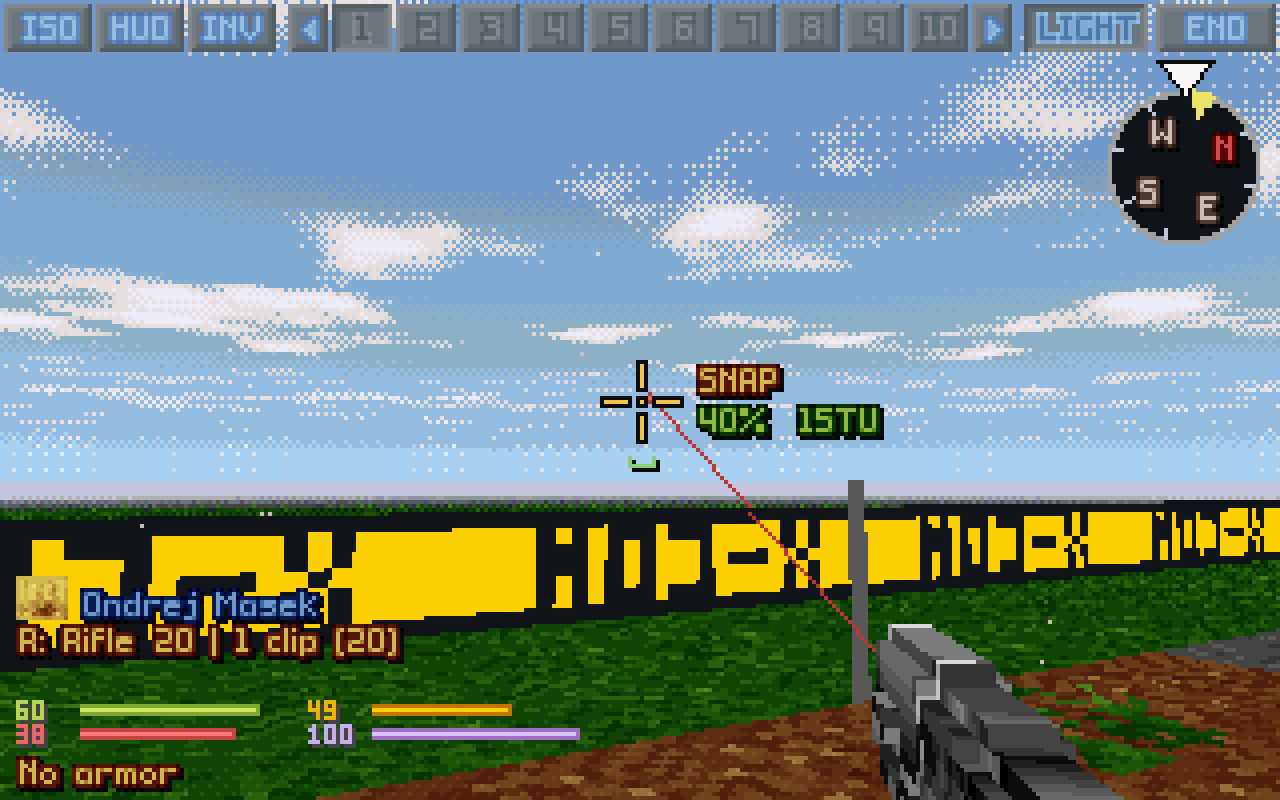
On the open sky at the map's edge, the laser runs to the crosshair and the hit chance showsFPS style: leaning out past a wall's end, the round leaves from the eye
With Aim at exact point a shot goes for the very voxel under the crosshair, or on the open sky for the air on its line. If the line from the gun is blocked, the game's other muzzle points are tried (left and right with OXCE's Off-centre shooting), then the game's own aim, as a click on the map does. The laser (Show trajectory: All) shows the line that will fire. With the game's own targeting the round leaves from the soldier's weapon, not the eye: when it won't land under the crosshair the laser is drawn dimmed and a red OFF shows left of the crosshair (BLOCKED if the game would refuse the shot). Close range: from the eye makes a shot at something within two tiles leave from your eye instead. Rangefinder shows the tiles to what you look at (Digital), or a scope's scale to read a standing unit's range off (Analogue); the key Range (hold) shows it while held.
Keys Left button, ZX, wheel
How it plays With the game's own targeting it is the map's rules with a finer click. In FPS style the round leaves from your eye: what you see past a corner, you can hit. With Full sprite hitboxes a unit is hit, and seen, where its picture shows: between the legs is a miss, a gun held out a hit.
The accuracy line
The game's own targeting (left): bright as far as a hit strays, dotted out to where a miss can. FPS style (right): the spread of a burst
A green line under the crosshair, a notch up at each end, as wide as a round can land to either side. With the game's own targeting: bright as far as a successful roll can send the round, by the game's own roll, and dotted on out to where a miss can stray. In FPS style: the spread 95% of the rounds land in, widening with the bloom as you fire.
How it plays A successful roll in X-COM strays little, mostly sideways; a miss strays far: the bright part and the dotted ends. The hit chance says how often you get which.
Hits, no harm, a door
A little green door left of the crosshair, on a room's door (left); a blue shield at its lower left: a round that didn't get through an armoured Sectoid (right)
The crosshair says what your last strike did and what it's on. A hit: white ticks on its diagonals and a tick heard, the unit flashing (setting Hit flash) and flinching back; a downed unit flashes too, and bleeds on the floor. A kill: longer red ticks and a double tick. A strike that did no harm (armour, a zero roll, full resistance): a small blue shield at its lower left and a duller tick. A door: a little green door at its left when the first wall its line meets is a door you have seen.
How it plays Know at once whether a round did anything, and whether O will open what you look at.
Akimbo
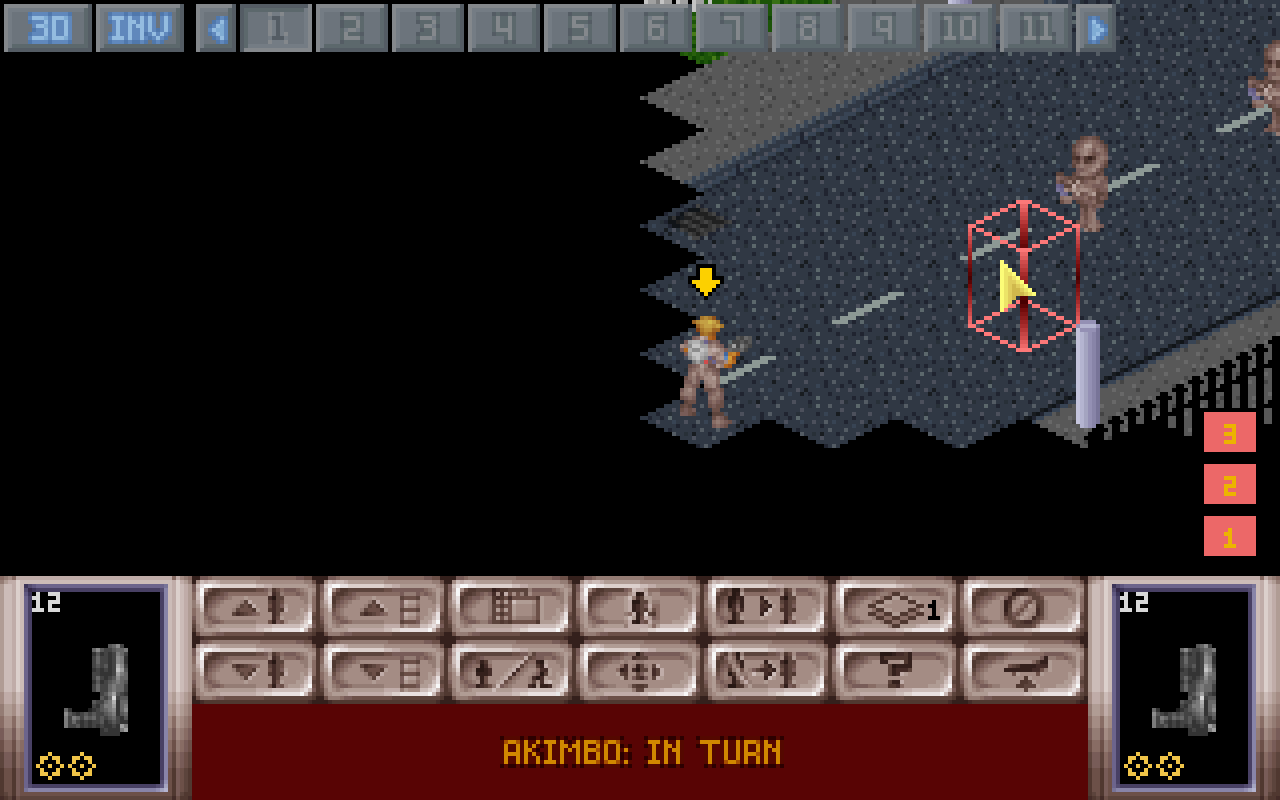
Two laser pistols, both lasers showingAkimbo on the map: two mini targets in each hand's box, in turn
A gun in each hand fires both (the setting Akimbo, Full or One-hand): round by round in turn, or at once as a volley, each its own burst, each 20% less accurate, for the dearer gun's shot and a tenth. On the map Ctrl+Shift+click a hand's weapon marks the pair.
KeysY, Akimbo style, Ctrl+Shift+click on the map
How it plays More rounds for your time units, worse aim; no aimed shots with two guns. In turn a burst can drop one alien and go on to the next.
Lean and peek
Leaning out with Tilt, round a corner
The eye moves up to six voxels to the side and a little lower, stopping short of walls and of anyone in sight; with Tilt the view tilts too. A shot from a lean leaves from that side: the game's own off-centre point (its own targeting) or your eye (FPS style).
KeysLeft Shift + A / D
How it plays You see the street round the corner, but who is spotted is still the game's call: a peek never shows a hidden alien.
Walking, jumping, falling
TFTD, Check the landing: a step towards the sea stops at the edge, UNSAFE LANDING! PUSH AGAINSprinting down a street at dusk
Walk freely or tile by tile, every tile at its time units. Space vaults low obstacles for 30 TU; walking off a ledge falls to the level below, hurt by the height. A step onto ground no one can walk on, or where no step leads on, asks first. Walking diagonally costs a diagonal step's time units, as on the map. Compass: step costs (off by default) writes what a step each way, a level up or down and a turn would cost, round the compass. A hop on the spot costs 1 time unit. With Jump over low obstacles, Jump while walking forwards or sideways into a fence, table or crate up to 15 voxels high takes the soldier over it for 30 time units; not backwards. Fall damage is a setting of its own: with it off, a step off a ledge lands unhurt.
KeysWASD, numpad, Space, Caps Lock, `
How it plays Falls and vaults are shortcuts the map doesn't have (each a setting). Sprint costs less time and more energy, and like en passant keeps walking when an enemy shows up; being shot at stops any walk, as on the map.
Lifts, ladders and flight
A flying suit: the arrow left of the compass lit yellow, W climbs
Ride a grav lift, climb a ladder, fly with SUIT FLY on: W looking up climbs, looking down sinks, each level paid as on the map. Purple arrows show the ways. Flight stays on through a save and a load, and when you touch down: Page Down on the ground switches it off. With Lift beams (and Particles), motes and streaks of light rise from a grav lift's floor.
KeysPage UpPage Down, B, W looking up
Tanks and their turrets
A tank with a turret gets a TURRET button on the top bar, off at first. On, turning the view turns the turret alone, by the game's own turret turn and at its cost (with Turning costs TU), the hull staying as it is; off, the whole tank turns. Each tank keeps its switch in the save. A tank has no hands, so no weapon is drawn at the bottom of the view; the crosshair, aiming and firing work as with any gun.
Keys TURRET on the top bar; Turret only (tanks) (set a key)
How it plays In the big mods (XPiratez) a tank's own turn can cost far more than its turret's.
Doors
Doors open as you walk into them, or with O from where you stand (the one you look at). They swing to where the game has them; UFO doors slide. Glass doors are seen through, while they swing too. A little green door left of the crosshair says it's on a door you have seen.
KeysO, or walk into it
How it plays Open a door without stepping into the room behind it.
Melee, medi-kits and items
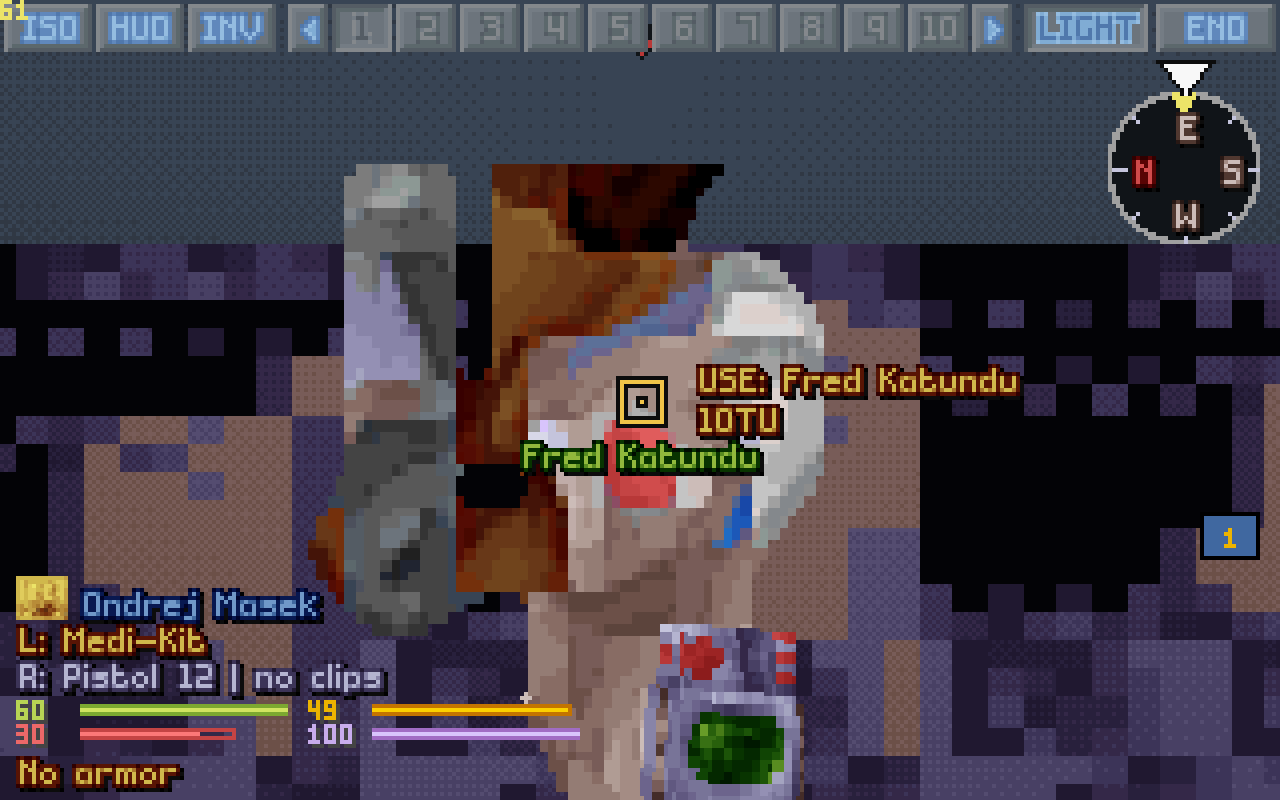
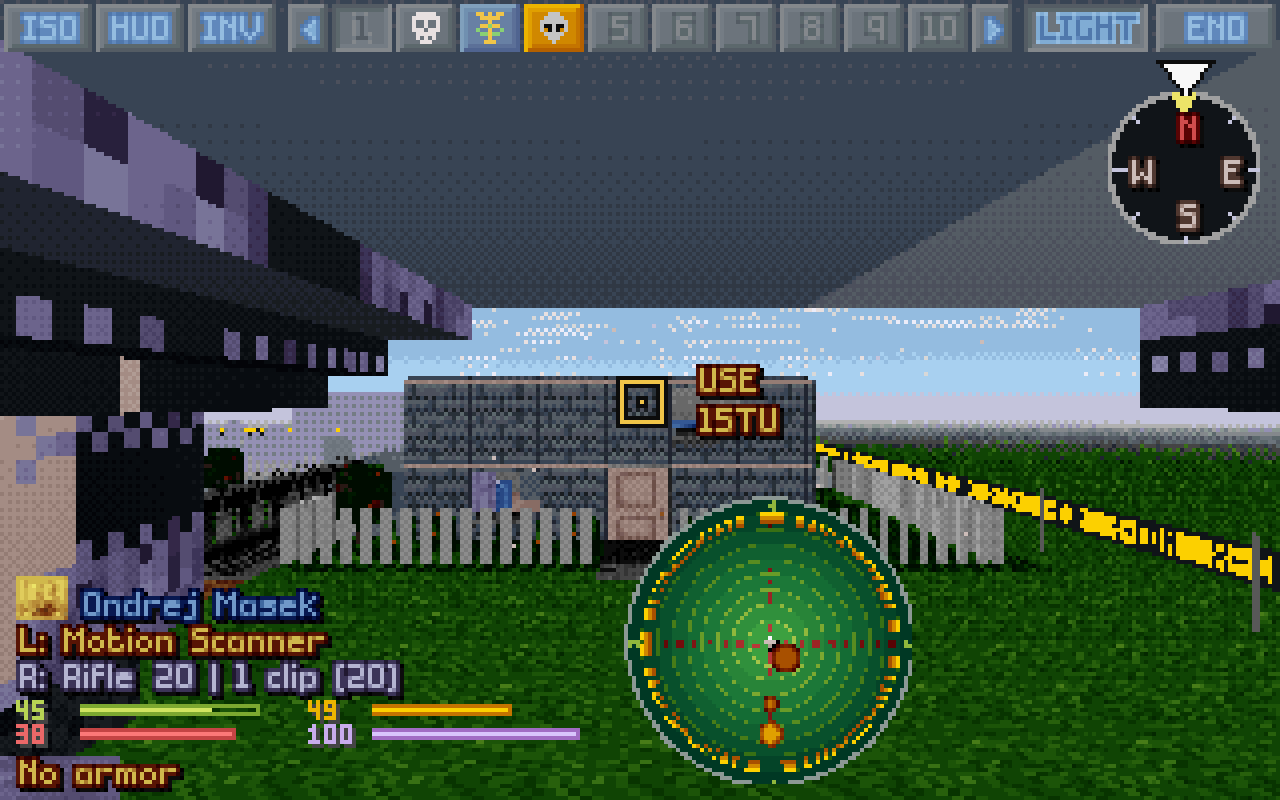
A medi-kit by the crosshair: USE: and the teammate's nameThe motion scanner held up: the sweep going out, two blips behind the soldier
Melee strikes what's under the crosshair: a blow swings, lunges and jolts. A medi-kit treats whoever you look at, next to you; aiming at nothing, yourself. The motion scanner is held up at the bottom of the view (one look from where it was used, or live with Live motion scanner), turning as you look round, a ring sweeping out with a whoop and a pip for each movement it finds; the mind probe to its screen; priming opens the timer at once. Someone unconscious carried in a hand is named on the hand line; a carried body is drawn bigger, as over the shoulder.
Keys Left button in the melee or use mode
Throwing and grenades
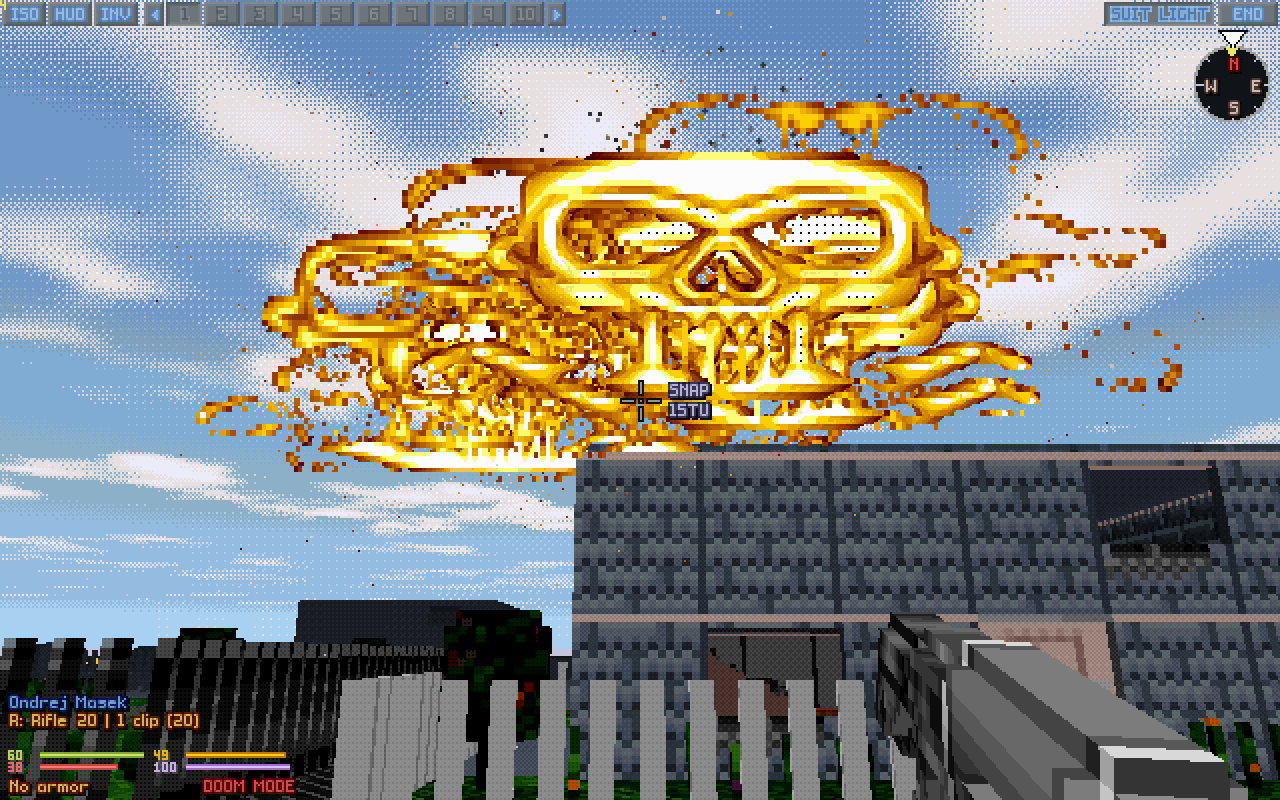
Doom free grenades: an airburst over a field
Anything in a hand can be thrown along the game's arc (the cyan path shows it). Aimed at the open sky, a throw or an arcing shot goes through the air on the crosshair's line and comes down wherever that arc falls. In Doom mode grenades burn in real time, and with free grenades fly wherever the crosshair points and burst in the air.
Keys Fire mode throw or prime; T for a flare
Zoom
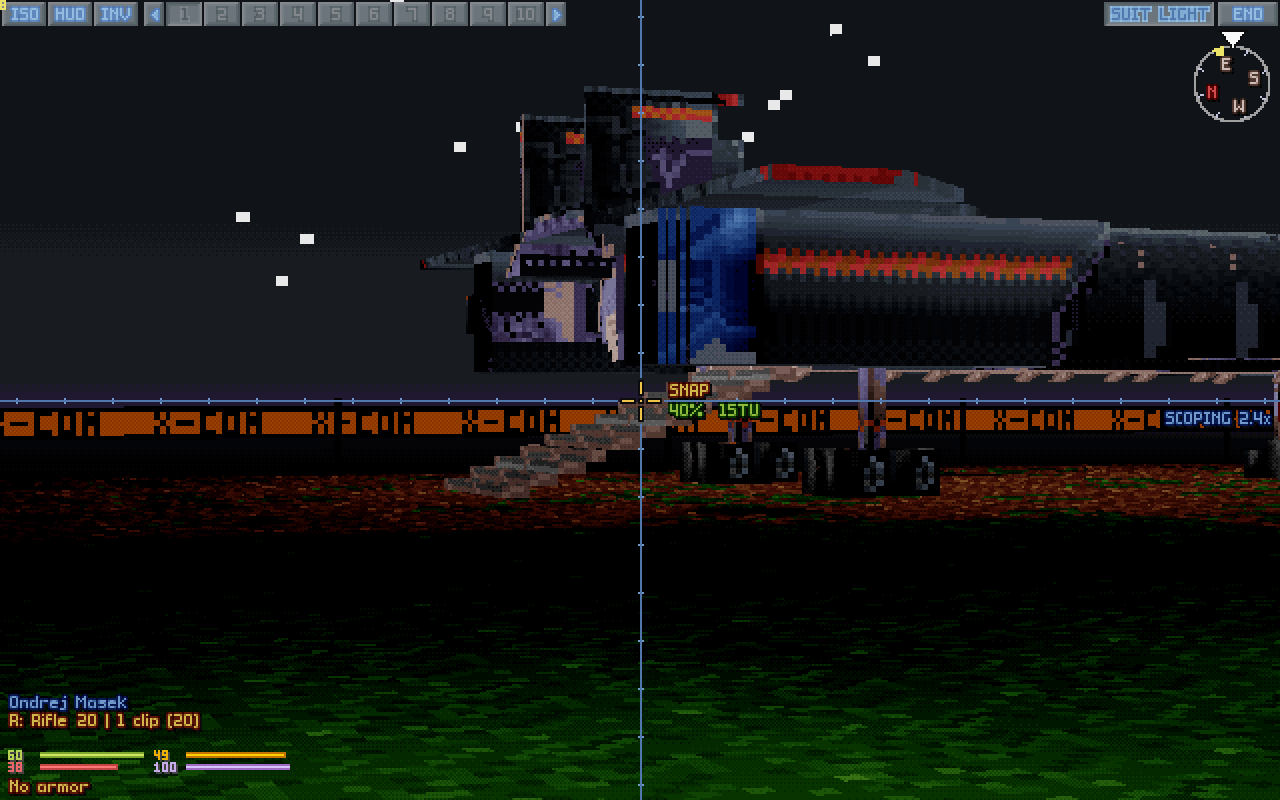
SCOPING at night, the blue scope cross on the crosshair
The view glides in four times closer, the weapon lowers, the mouse slows.
KeysU or the right button, held
How it plays Only the picture: the shot and its odds don't change.
Light and night
Night vision: the laser sight light in the goggles
Your flashlight (on F, a tight spot on the crosshair), night vision (all green, or with Futuristic night vision units and items in their own colours), red tactical flares, and the game's suit light (L). Light and shadow come from lamps, the sun, your flashlight and flares, a unit lit by a flare throwing a long soft shadow; indoors (a roof overhead, or rock) no sun shines, and rooms are lit by their own light, as on the map. Smooth fire: flames' colours blend from frame to frame (off: the dotted dissolve).
KeysF, N, T, L
How it plays The flashlight and flares light only your view; the suit light is the game's, and lets aliens see your soldiers at night.
Smoke
Modern smoke: soft see-through clouds
Smoke is drawn as the map draws it. Modern: soft clouds you see through. Original: the game's own dots. Neither hides more than Smoke opacity (80% by day, 45% at night; 0% no smoke, 100% opaque). The game hides units in smoke, not the world: an enemy your soldier can't see through it isn't drawn, only its marker. Heat vision sees smoke thinner. Smoke opacity and Night smoke opacity go from 0% (no smoke drawn) to 100% (opaque) for both looks, and smoke over smoke never hides more than the setting.
How it plays What you see matches what your soldier sees: an alien only a squadmate spots stays hidden in the cloud.
Helmet cameras
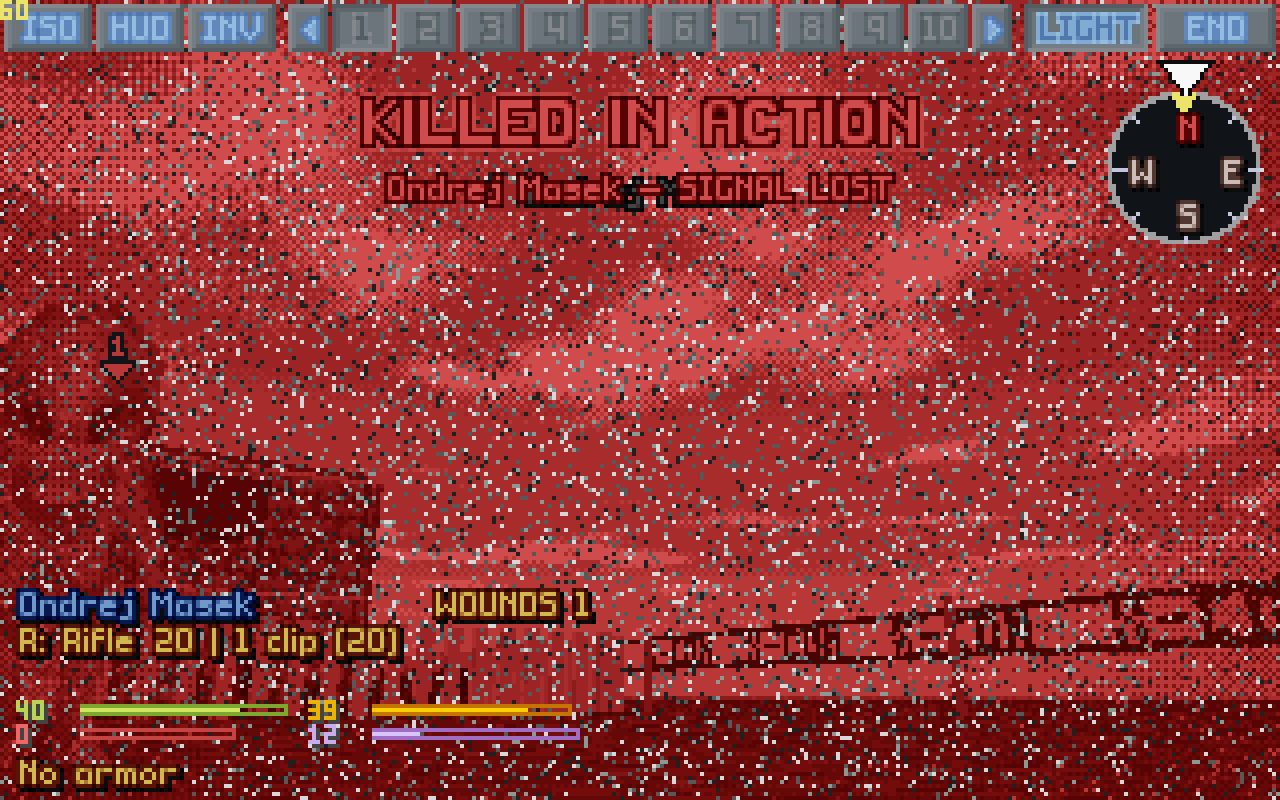
A SOLDIER CAM at duskThe map camera on the isometric mapKilled in action: the picture turns red, then breaks into static, SIGNAL LOST
Every soldier's helmet camera, live: on their card, big as the SOLDIER CAM, or over the map (setting Map camera), with a blinking red dot, now and then a bad signal or static, worse on hard missions (lighter, or none, with Camera artifacts). With the cursor free, the mouse wheel over a soldier's button steps the card or the SOLDIER CAM through the squad. When the soldier you look through falls, the picture turns red and breaks into static: SIGNAL LOST. With Cameras see as the eyes a camera sees through smoke with the soldier's heat vision, as the 3D view does.
Keys Hover a soldier's button; right click for the SOLDIER CAM; the wheel over a button; P on the map
How it plays See what each soldier sees; aim on the map with a soldier's eyes beside it.
Quick deaths
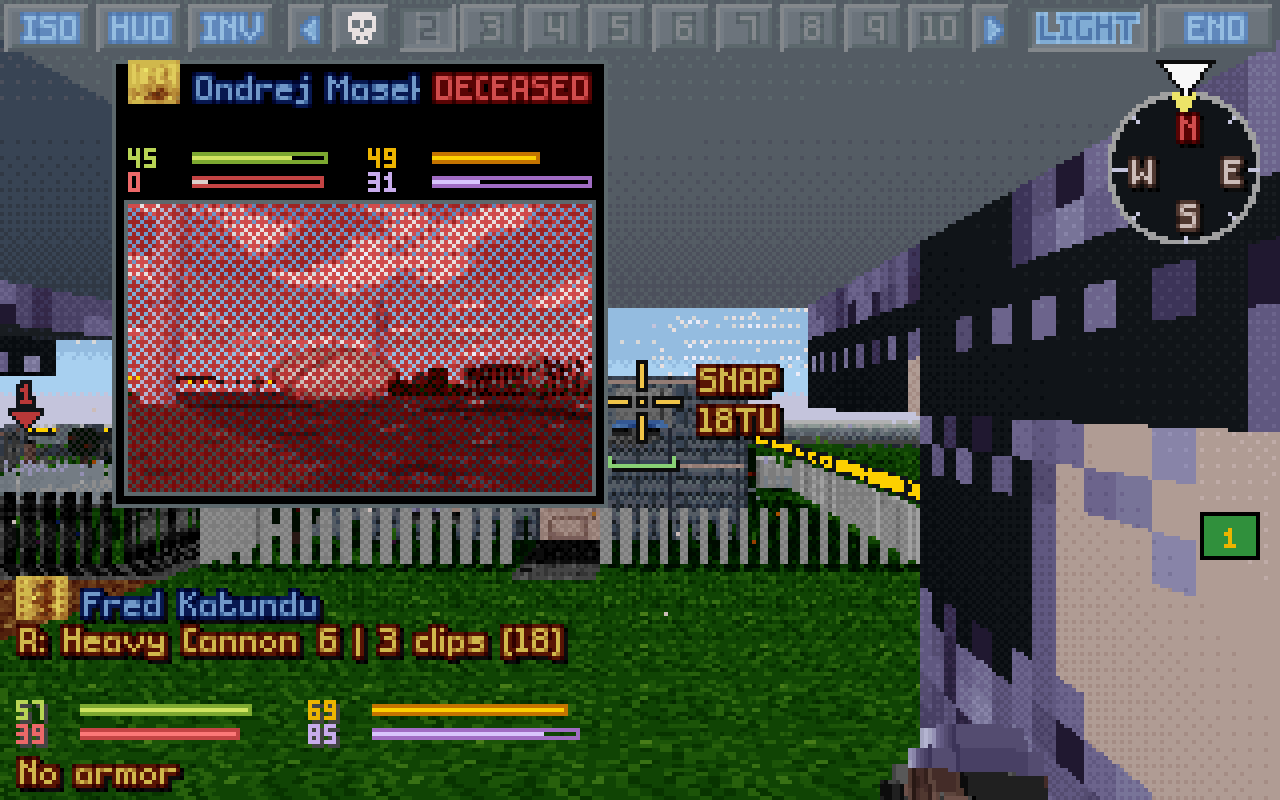
The soldier looked through is down: the view goes on with the next one, while the fallen soldier's card, DECEASED, shows his last look
With Quick deaths a unit killed or knocked out is down at once: a burst fires on through it to whoever stands behind, several fall together, each fall on its own, at the game's pace, in 3D and on the map. When the soldier you look through goes down, their fall plays on their camera card while the view goes on to the next soldier at once.
How it plays The pace of a shooter: chaingun through a group without waiting for each fall.
The aliens' turn
Under fire in the aliens' turn
Stay in 3D for the aliens' turn: the view cuts to a soldier firing back or to the nearest one who sees a moving alien; camera cards pop up for soldiers shot at, hit, mind controlled or going down.
How it plays Watch the reaction fire you set up.
Ghosts: lifts, racks, catwalks, sludge
UFO's shop racks as ghosts in their real shape, at Ghost opacityXPiratez: a catwalk's grating overhead, its rest a ghostXPiratez: the sewer's sludge, a soldier wading in it to the thighs
Some parts the map draws have no shape, or only a few voxels, in the game's data. They show as see-through ghosts of their art: ladders and lift pads, the shops' racks, the rest of fences, railings and catwalk gratings, and the surface of liquid over a floor (XPiratez's sewers). The game's own voxels stay solid. A big object without a shape that no one can walk through (a console, a rack of machines) is built as a solid body from its art. A pool's water without a shape fills its tiles. Posters hang clear of their wall and show from inside the room. A machine that lights its room is an object in its tile, not a flame.
How it plays Ghosts are pictures: shots, sight and walking go through them as the game says. Set how solid with Ghost opacity.
Windows and glass
A house's window from inside: the garden and the street behind it a little palerA round through the window: shards over the garden
Windows and glass walls the map sees through are glass in 3D, tinting what's behind them; a plain opening, a barn's window, stays open. A round, a pellet or a thrown item through a window, or a blast beside it, shatters the glass: shards fall, a crack is heard, and the window stays open for the rest of the battle, kept in the save. A glass wall the game blows in throws its shards too. A tactical flare bounces off real glass and shatters the glass in a house's window. A destroyed wall that had a window is the game's rubble only.
How it plays Only the look: rounds and sight go through as the game has them.
The sea, and under it
TFTD: the sea rolling in waves past an island's edgeTFTD: ruins on the seabed, bubbles rising, light rippling over the sand
Terror From The Deep's sea rolls in waves, and where it reaches the map's edge it goes on past it. Under the water: bubbles, marine snow drifting down, and light rippling over the sand.
How it plays The particles are a setting (Particles), if you want the water clear.
The sky over the battle
UFO: the Skyranger in falling snow, under a grey deck of cloudXPiratez: the Earth below a space station, its clouds drifting
Each battle gets the sky of its weather and its place. Rain and snow fall from a grey deck of cloud, with no sun, moon or stars and no sun shadows. Space and orbit are black and full of stars, the Earth below XPiratez's stations; the Moon has the Earth's disc in its sky; Mars is butterscotch by day; the Shadowlands lie in a violet void. The big mods' seas run on past the map's edge as TFTD's does, and their underground maps (metros, sewers, crypts, lairs) lie under rock.
Shotguns
Pellets in flight on the map
Every pellet lands on its own (Each pellet on its own), and with Shotgun pellets in flight each flies beside the round and hits as it gets there.
How it plays No more "shotgun void": a miss by the lead pellet no longer takes the whole blast with it.
Stat bars
A soldier at 60 morale of 100: the game's own bars (left), morale full; Scaled (right), what's gone shows
Bars that read: with Scaled a stat whose longest maximum won't fit shrinks for all your units alike, on the map and in 3D.
How it plays Two soldiers' bars stay comparable.
Enemy and wounded markers
A street at dusk: enemies marked red (seen), yellow (hidden in the smoke, but a clear shot) and green (seen only by the squad)TFTD: our own wounded marked in blue, one about to pass out in purple
Numbered arrows over the units the game gives a button at the right, in that button's colour, as on the map. Enemies: red, the soldier you look through sees it; green, only the squad does; yellow (with Enemy markers at Clear shot), one of the green ones this soldier has a clear line of fire to, hidden in smoke, the dark or camouflage. Your own: blue, wounded; purple, about to pass out. A body out cold has its marker where it lies.
Keys Settings Enemy markers and Wounded markers
How it plays Who to shoot, who to patch up, without leaving the soldier's eyes.
Damage numbers
TFTD: a hit's damage rising over a Calcinite on a cruise ship's deck
When a unit is hit, numbers rise over it and fade in a second and a half, in 3D and on the map: the health taken in red, the armour worn off the side that was hit in blue, the stun in purple, what an energy shield lost in white (the big mods' shields), and a grey 0 when the armour stopped it all. They are drawn over everything, so a unit partly behind cover still shows its number.
Keys Setting Damage numbers (off by default)
How it plays See at once whether a weapon gets through.
Seeing far, and what you haven't seen
A town out to 200 tiles, the unseen in mistA brick house from behind, in its own brick
View distance reaches 60 to 200 tiles, with a slight mist over the last stretch. Unseen terrain draws what your squad hasn't explored as plain slate shapes in a mist, as darker shapes in a fog, or as it is (units and items there stay hidden either way). With Fog of war in 3D off, what the view itself sees within your soldiers' sight is drawn as seen: the floor below the stairs shows as you look at it. Wall paint gives a wall's face the map never shows the paint of the side it faces: a house from behind is its outside, not its rooms' wallpaper.
Keys Settings View distance, Unseen terrain, Fog of war in 3D, Wall paint
How it plays The long, clear view: View distance 200, Distance haze Clear, Unseen terrain Visible. As the map plays: Fog of war in 3D As map.
Hit as drawn
TFTD: the squad and two Aquatoids outlined as the shots test them
With Full sprite hitboxes a unit is hit exactly where its picture shows, between two tiles while it walks or flies, by arrows and other arcing shots too. Hitboxes (Off, Aimed, Always, Blink) outlines what the shots really test, in the colour of the unit's side; Glowing outlines makes the outline shine. The outlines keep their colours under night vision.
Keys Settings Full sprite hitboxes and Hitboxes
How it plays Aim at what you see; check a doubtful shot with the outline.
Ambient sounds
Rain, wind and the fires near you, made by the game itself: rain in the jungle, wind in snow and blowing sand, in slow gusts. Under a roof it is muffled, the rain drumming above you; a fire crackles from its side.
Keys Setting Ambient sounds
On the graphics card
A street at dusk, Renderer GPU with everything on: true colour, smooth light, soft shadows, a shadow from every lamp, ambient occlusion, coloured lights, light shafts
Renderer GPU has the graphics card draw the 3D world and the units and effects in it: the same picture as the CPU's, much faster on a big screen; the CPU takes over by itself where a card can't. 3D resolution draws the world as fine as the HUD, the battlescape or the display itself; HUD scale sizes the HUD on a big screen. On the card the picture can be finer than the old game's: Supersampling, Soft sun shadows, Shadows from every light, Ambient occlusion; and with True colour, past the palette's 256 colours: Smooth light (no dither dots), Coloured lights (shots, explosions and fires light what is round them), Reflections (the sea mirrors the sky) and Light shafts (beams in smoke, and under the sea).
Keys Settings Renderer, 3D resolution, HUD scale, and the finer picture's (all off by default)
How it plays A big screen: Renderer GPU and 3D resolution Display. The old game's look, only faster: leave the rest off.
Performance
Renderer GPU is the big one where there is a graphics card. On the CPU, Pixel size 2 or 3 colours a block of pixels per ray, much faster on big screens; Shadows and Particles off help slow machines; the frame rate cap is the game's own.
Gallery
From the field: the battles in pictures, from UFO, Terror From The Deep, XPiratez and X-Com Files. Click one for it at full size.
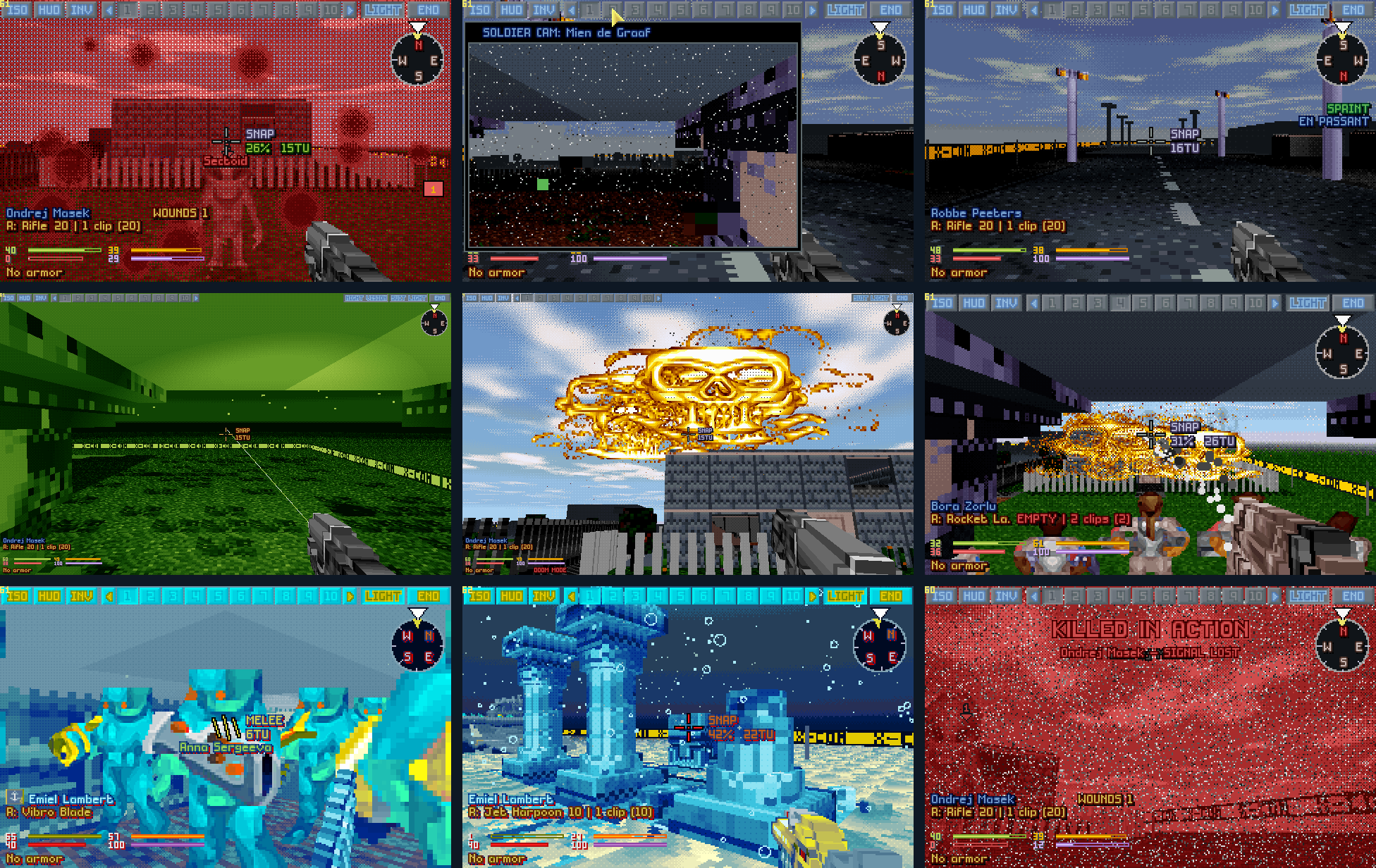
On the graphics card: 1.14 A street at dusk drawn by the graphics card with every new setting on: true colour, smooth light, soft shadows, a shadow from every lamp, ambient occlusion, coloured lights, light shafts.Who's hurt, who's hidden: 1.12 A town out to 200 tiles with the unseen in mist, our wounded in blue and purple in an alien colony (TFTD), enemies in the buttons' colours at dusk, a hit's damage rising on a cruise ship's deck (TFTD), a house from behind in its brick, the squad and two Aquatoids outlined as the shots test them (TFTD).Under the right sky: 1.11 Snow under cloud, the Earth from orbit (XPiratez), the sea floor (TFTD), deep woods (X-Com Files), Cydonia, the city of T'leth.Field report 1.08 Terror From The Deep's sea past an island's edge, XPiratez's blunderbuss and two guns at once, a spray burst marked, akimbo in 3D and on the isometric map, a Gill Man on an island, and the map camera over the battle.More from 1.08 The open sky at the map's edge, a peek past a corner in FPS style, the accuracy line, the landing warning by the sea, wading in XPiratez's sludge, the shop's racks as ghosts, a tilted lean, smoke, a grenade's arc.Moments Under fire, a soldier cam at dusk, a sprint down an empty street, night vision, an airburst, a rocket in the street, aquanauts with vibro blades, the ruins on the seabed, and the end of a signal.